AI Bridge v1.7.2 from NGC Won't Start

I just pulled the latest and greatest from NGC, i.e. v1.7.2, and the init container won’t stop running.

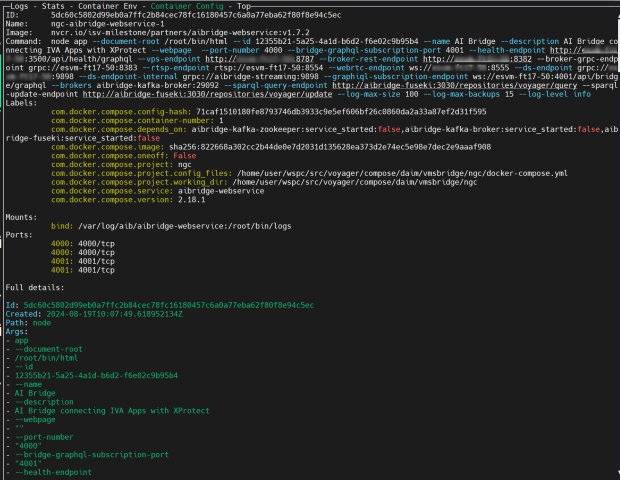
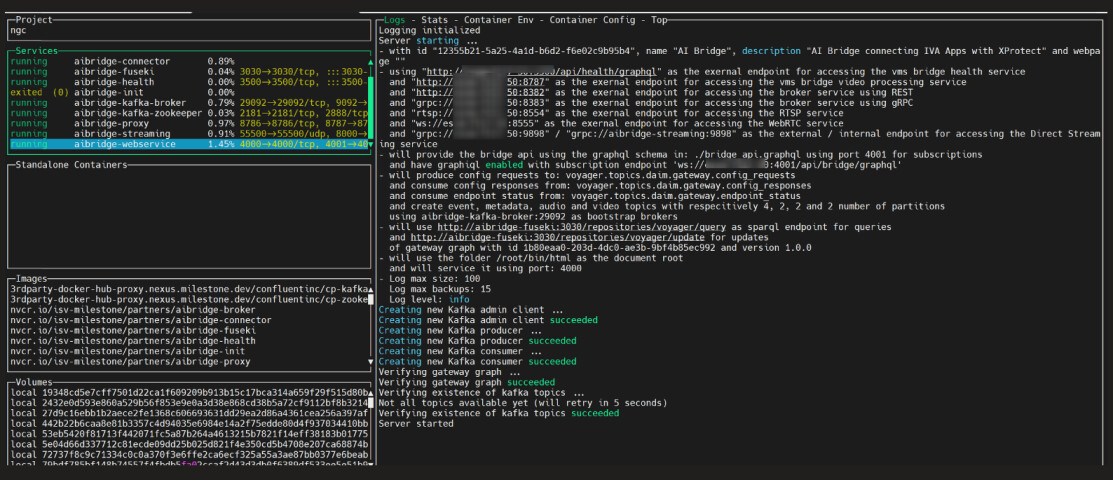
Digging in deeper, I can see that the webservice container doesn’t properly start. The logs from the webservice container show the following:

Error: Error configuring endpoint: 404 Not Found
    at Runner.eachMessage (/root/bin/app.js:185:32)
    at Runner.processEachMessage (/root/bin/node_modules/kafkajs/src/consumer/runner.js:231:20)
    at onBatch (/root/bin/node_modules/kafkajs/src/consumer/runner.js:447:20)
    at Runner.handleBatch (/root/bin/node_modules/kafkajs/src/consumer/runner.js:461:11)
    at handler (/root/bin/node_modules/kafkajs/src/consumer/runner.js:58:30)
    at /root/bin/node_modules/kafkajs/src/consumer/worker.js:29:15
    at process.processTicksAndRejections (node:internal/process/task_queues:95:5) {
  path: [ 'register' ],
  locations: [ { line: 1, column: 12 } ],
  extensions: [Object: null prototype] {}
}

…right after the Kafka connection is complete and the log shows “Server started”.

I can post my config if necessary, but I do note that the exact same config I’m using works with v1.7.0.

Any ideas?

Thanks in advance.

Hi @Duncan Brown​ ,

I’ve just ‘re-test’ pulling AI Bridge 1.7.2 from NGC private catalog and running it in both flavors.

(docker-compose and K8s).

And I got in both cases a running AI Bridge system.

Please check the helm templates (or docker-compose files), since they’ve been updated, and you should use the corresponding ones.

Here are the tests I’ve ran:

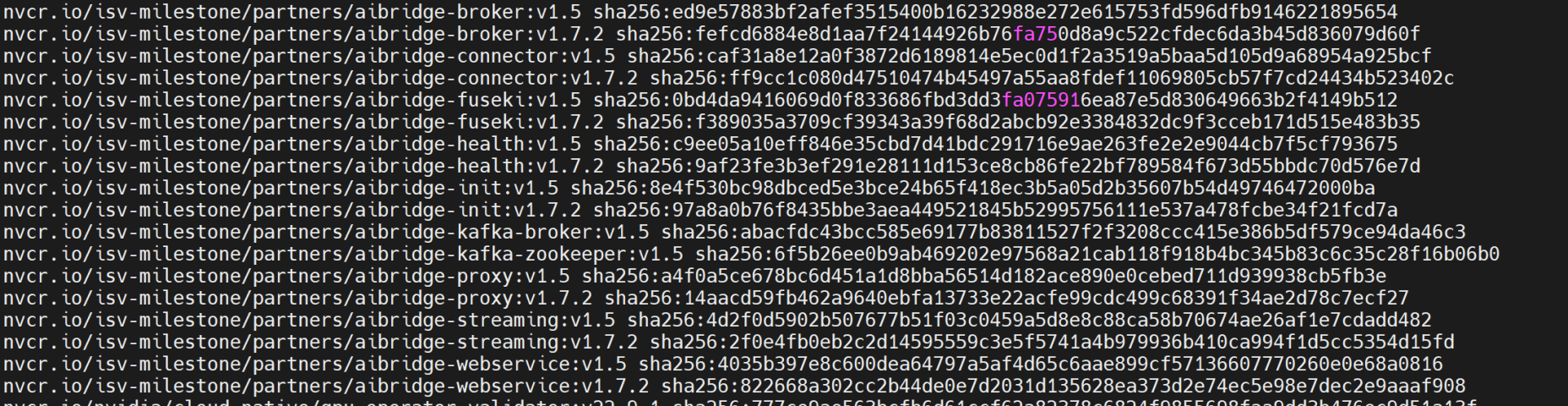
[1] docker-compose:

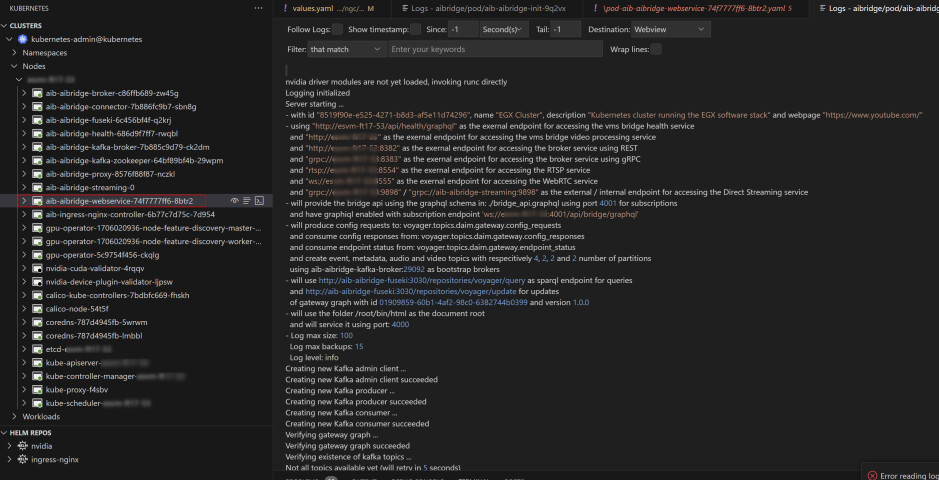
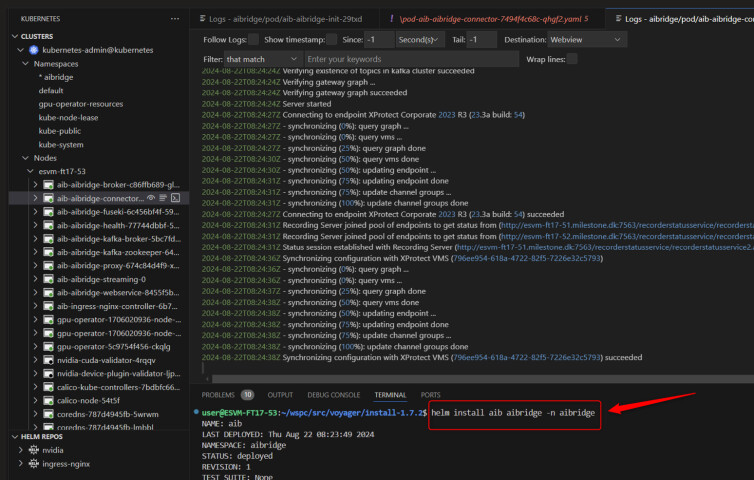
[2] K8s:

All in all, please verify your templates (helm) or docker-compose file, since I see no problem with the published docker images for v1.7.2.

I pulled the 1.7.2 Helm chart from your NGC, but I’ll go through things and check.

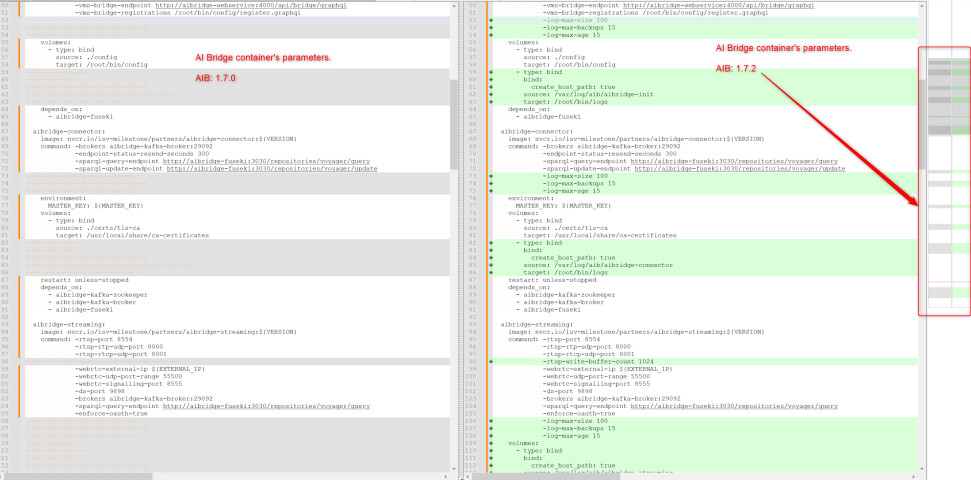
Confirmed that I’m using v1.7.2. A diff of the Helm chart I’m using and a freshly-untarred version of the Helm chart from NGC shows they’re identical except for config/register.graphql and values.yaml, which makes sense. So I’m not really sure what else I can do to troubleshoot here.

Any additional thoughts on this? I just tried pulling from “https://helm.ngc.nvidia.com/isv-milestone/partners/charts/aibridge-1.7.2.tgz” again on a different machine, and I’m having the same issue as above with what appear to be the same error messages.

Is there any additional information I can provide? Or can we somehow work together to figure this out?

Thanks.

Hi @Duncan Brown​ ,

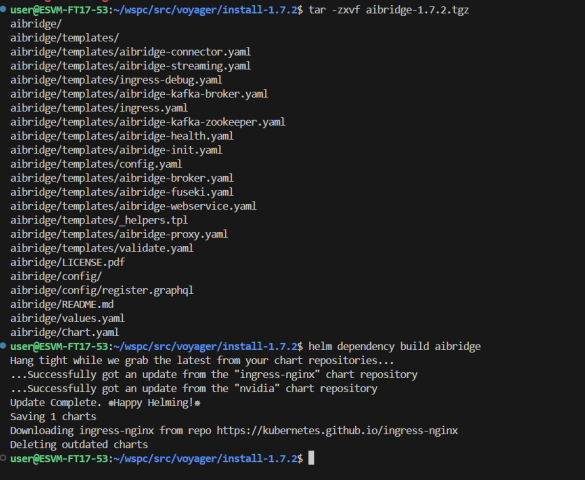
A colleague and I , did again a helm chart based installation and it went fine in our both K8s installations.

At this point I’ve adjusted my ‘values.yaml’ file (adding the info to connect to the VMS)

then:

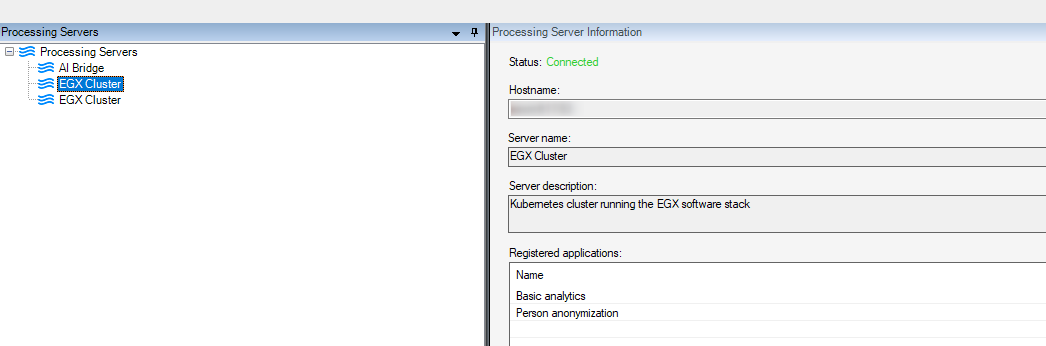
And is up and running fine.

Yes, I understand it’s working for *you*. I need help in determining why it isn’t working for *me*. This is happening on two separate machines using the same Helm chart from NGC, so while I appreciate it works fine for you, I could really use a hand in determining why it isn’t working for me.

I’ll try asking again: Is there any info I can post on here or any commands I can run to generate such info that might give you/others some insight? Or something I can compare? I just need help troubleshooting this, please and thank you.

Hi Duncan,

Thanks for your reply. I’d like to ask you the logs produced on a new run of AI Bridge.

They are located in your Linux box running K8 under /var/log/{{ .Release.Name }}/.

The {{ .Release.Name }} value is set when you install the helm charts as in:

helm install releaseName . -n namespace

Please, to move forward with these efforts properly, I’d like to kindly ask you, as well, to create a Milestone Support case on behalf of Resorts World.

Looking forward to make this run successfully!

Kind regards,

Fer

Sure, no problem! I’ve attached the logs. Hopefully I’m just doing something stupid, and I’ll happily eat crow if that’s the case.

Also: How do I go about creating a Milestone Support case?

Thanks for your help!

Hi Duncan,

Thanks for your reply and your patience.

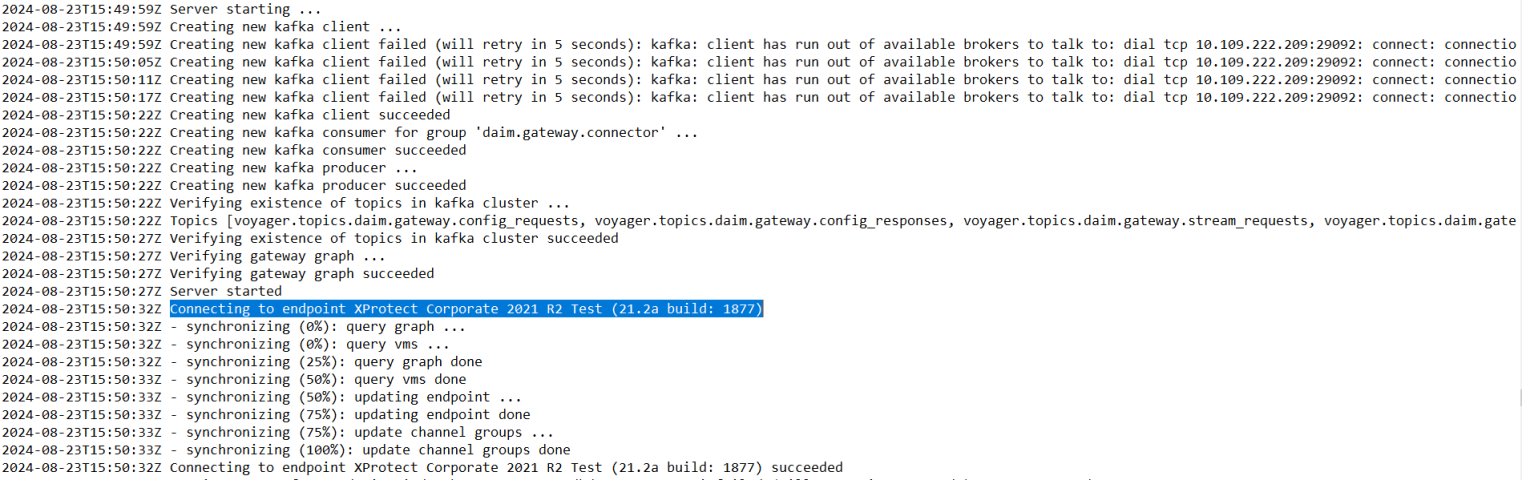
After checking the logs, we found out that your setup is pointing to an old version of XProtect, namely XProtect Corporate 2021 R2 Test (21.2a build: 1877).

Connector log screenshot:

Despite it gets connected and syncs, there are dependencies that we cannot asure are available on that version, thus, I would like to kindly request you to test your integration with a newer version of XProtect.

As a reminder, AI Bridge supports an XProtect version higher that 22.1 (22.1 and 22.2 need to be patched and patches can be found on NGC).

Let me know your thoughts.

Regards,

Fer

Thanks, Fernando.

I see. I’ve been using AI Bridge since it was in beta and the requirement then was a patched 2021 R2, and it’s worked up until 1.7.2. I didn’t know that had changed.

I will see about updating my local version when I have a chance as I can’t afford to do so right now (we’re in the middle of some development that requires a working XProtect). I’ll also do my best to check with our client’s version.
Thanks again.