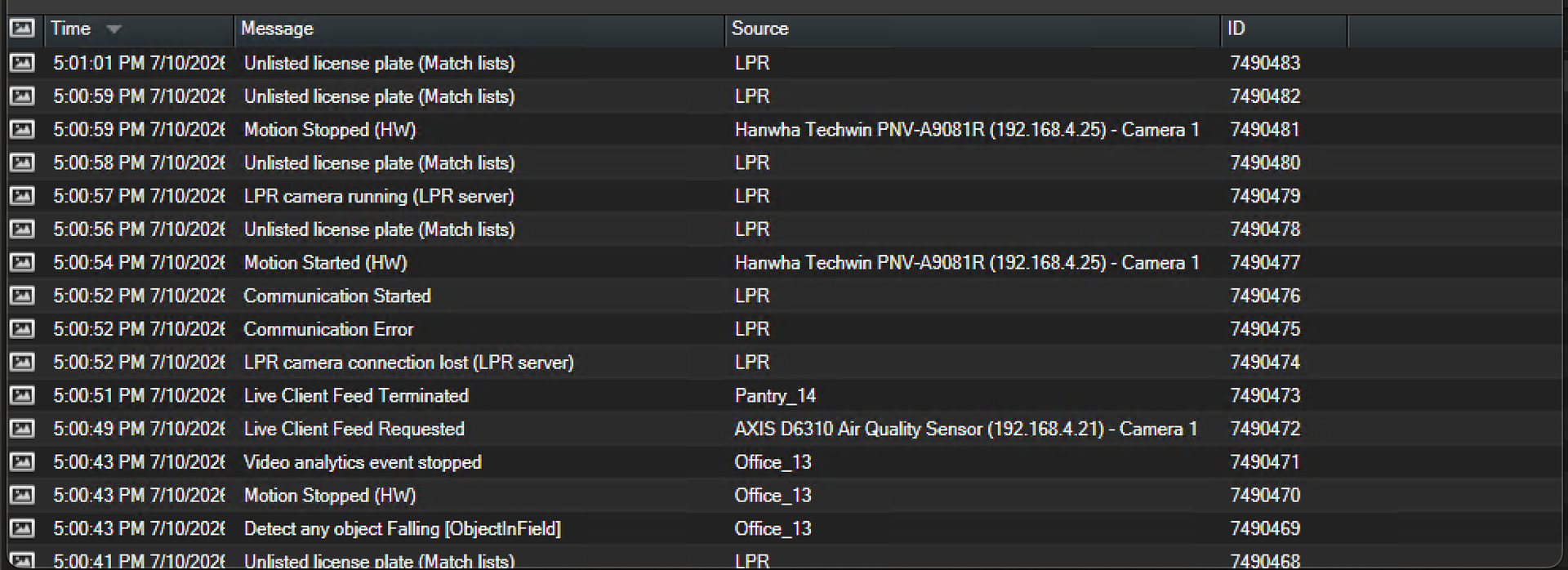
I am using AI bridge to send events from our IVA application to milestone. I have several setups of this already in other devices and it works fine but on this setup it does not work
Below are the logs from our IVA app as you can see the content is consumed as expected but
2026-07-10 15:01:26,337 - INFO - Milestone upload done with thread id 281466923643232
Frame Number= 3970 Number of Objects= 0
2026-07-10 15:01:26,343 - INFO - This is file name /app/event_record/182af24f-892e-4a26-b3a4-03ee2e24da74_video.mp4 3970
2026-07-10 15:01:26,344 - INFO - Setting state from NULL to PLAYING
Can you please provide:
1 - which is the version of XPCO used ?
2 - which is the AI Bridge version used ?
3 - Which flavor of AI Bridge it’s being used ? (docker compose or helm) ?
4 - Can you attach all the logs from XPCO and AI Bridge ?
PS: In version 2.0.2 we added a regression affecting capital letters on applicationIDs and topicNames.
{"time":"2026-08-06T07:25:05.792644846Z","level":"ERROR","msg":"Sending analytics event to 'http://xprotect.mls.com:22331/Central/AlarmServiceToken' failed. Will retry in 5 seconds.","error":"Post \"http://xprotect.mls.com:22331/Central/AlarmServiceToken\": dial tcp: lookup xprotect.mls.com on 127.0.0.11:53: no such host"}
We can see that there’s a network-connectivity issue.
Basically, the proxy container can’t resolve the hostname: “xprotect.mls.com”
If you check in the compose file, there’s an option:
    # extra_hosts: #Uncomment these section if your vms is not in the network domain
    #  - "${VMS_HOSTNAME}:${VMS_IP}"
If you uncomment these blocks (is not only present for the proxy).
And then, you also set them in the .env file (next to your docker-compose.yaml file):
# Define these variables if your vms is not in the network domain (Check the docker-compose.yaml to uncomment relevant configuration)

#VMS_IP="<my-management-server-ip>"

#VMS_HOSTNAME="<my-management-server-hostname>"
The proxy container (and others using the extra_hosts block) will be able to resolve the hostname from the container itself.