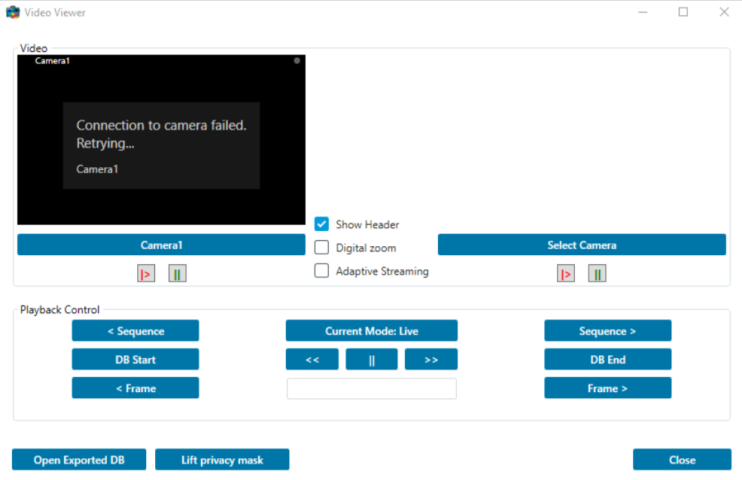
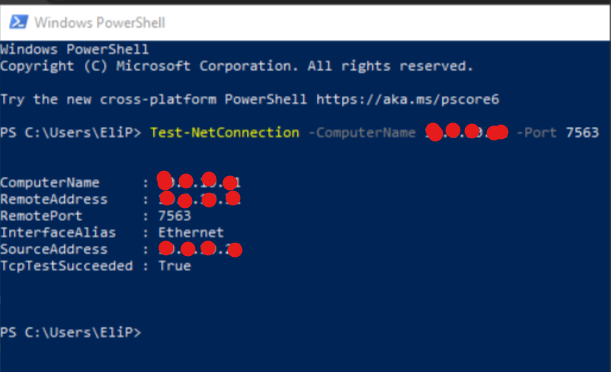
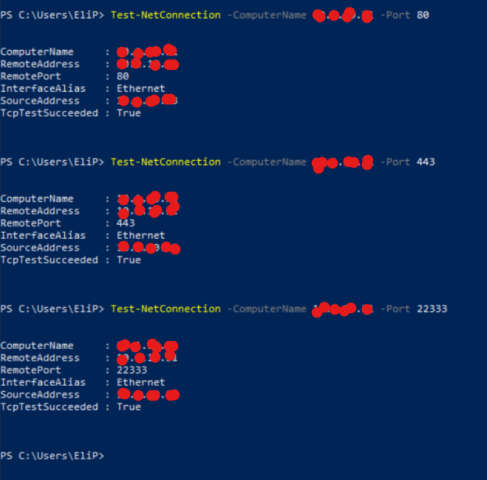
I have a problem in the video integration with Milestone VMS Server (2024R2). I got a black screen saying “Connecting to camera failed. Retrying..”.
I downloaded Milestone sample tool from Milestone Github mipsdk-samples-component and built the VideoViewer project to make sure that the issue is not in my part of integration. I got the same error.
(Note the video is working fine in other machines).
Please install and test. If this is a general issue and the Smart Client has the same issue there is so much more help in the support community.. https://supportcommunity.milestonesys.com
We installed the Smart Client on this client machine and it is working fine, But this “Milestone sample tool from Milestone Github mipsdk-samples-component” still giving the same error. Same error as above!! How can we investigate this?
I tried to see the issue, but no success so far. What I did was,
installed 24.2 Corporate on a server, and deployed the 25.2 VideoViewer sample on a different machine as client.
The sample is working fine. I could see video on the sample. Both the server and the client are clean, and there is no plugin/ software / app in the setup. If you have any other plugins/apps/integrations, please disable them and try the VideoViewer sample.