Code
August 18, 2022, 10:02am
1
Hi,
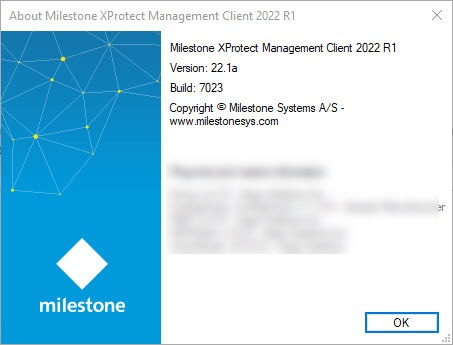
The current version of the milestone is 2022 R1 build 7023 and MIPS SDK 2022 R1
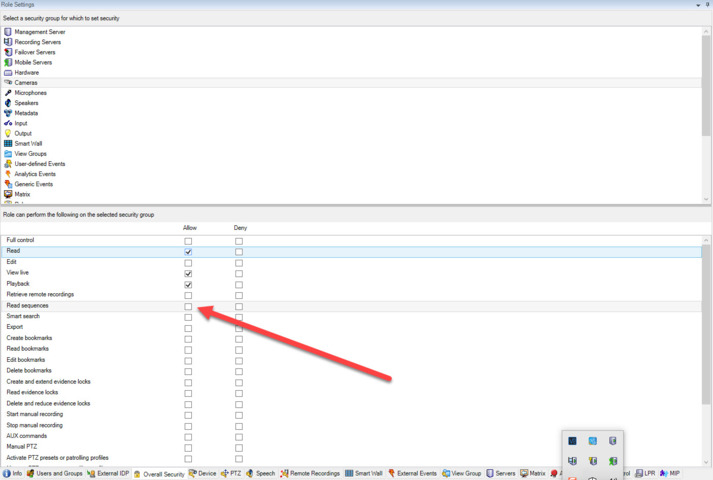
We have a basic user with some roles configured where the read sequence is not allowed.
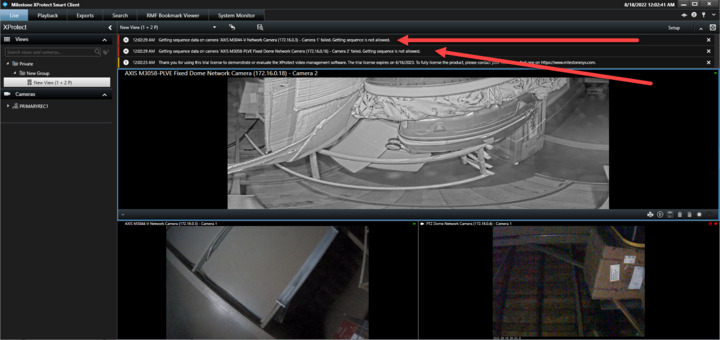
When a basic user logs in to SC, they get a message on the top information panel.
One of our customers is asking why that message now and wants to remove that.
We get N error message for N view with plugin
Version
Roles
The sample show 2 view
To me, what you describe seems correct and consistent. If you give the user role the permission doesn’t the error go away?
I might not have understood so please elaborate on the use case and why you think this is incorrect behavior.
Code
August 23, 2022, 4:36am
3
@Bo Ellegård Andersen (Milestone Systems) Hi
It does go away when permission is given.
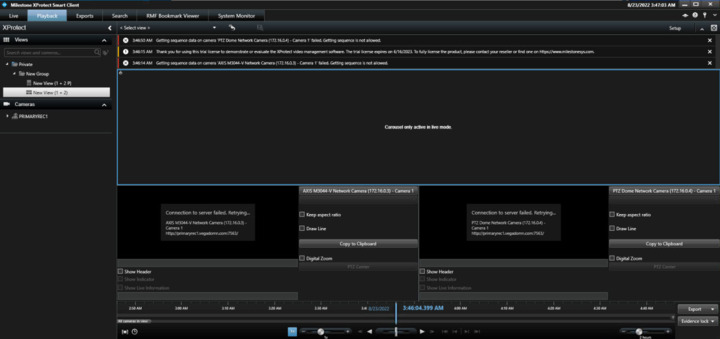
But why does it show for plugins and not for native?
This keeps popping up upon closing the message again after 30 seconds.
This was not appearing 2019 R1.
Thank you, yes, this is curious and does not sound right.
If you can try to mention what classes or methods are used in your plugin, we can try to reproduce the issue in the Milestone lab.
Code
August 23, 2022, 10:51am
5
@Bo Ellegård Andersen (Milestone Systems) Can get using sample plugin videopreview from MIPS SDK.
SequenceData may be causing this.
Rik
August 26, 2022, 11:20am
6
We tested it: We get the same error, not only using the sample but also with regular camera views. This means that this works as expected - it is populating the timeline that will cause this.
The timeline cannot be populated and displayed if the user is not allowed to see sequence data for the camera (no matter if using Camera View or your plugin).