Hi All,
Would like to request help on the following.
We are trying to integrate the camera offline/online status using the MIP SDK provided by milestone.
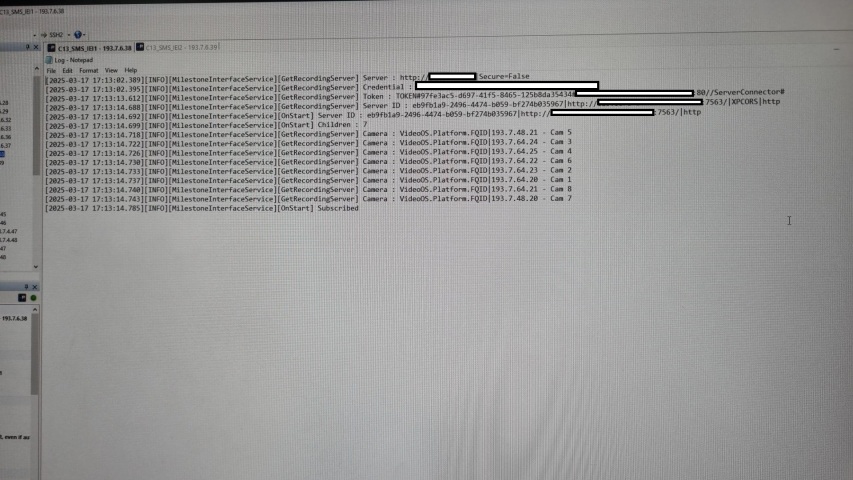
We are able to get the camera subscription as shown on the test file attachment.
However when we unplugged the cat6 cable connecting to the camera to simulate the camera going offline, we are not able to get the status.
From our understanding the SDK should be able to get the camera status and hence we would like to check if we are missing anything in our code.
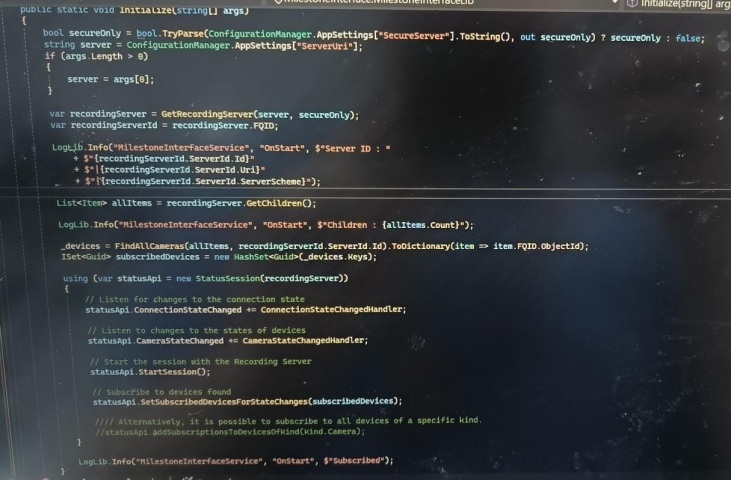
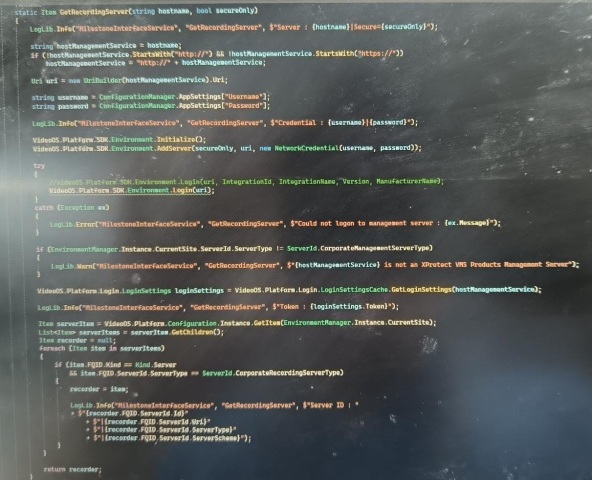
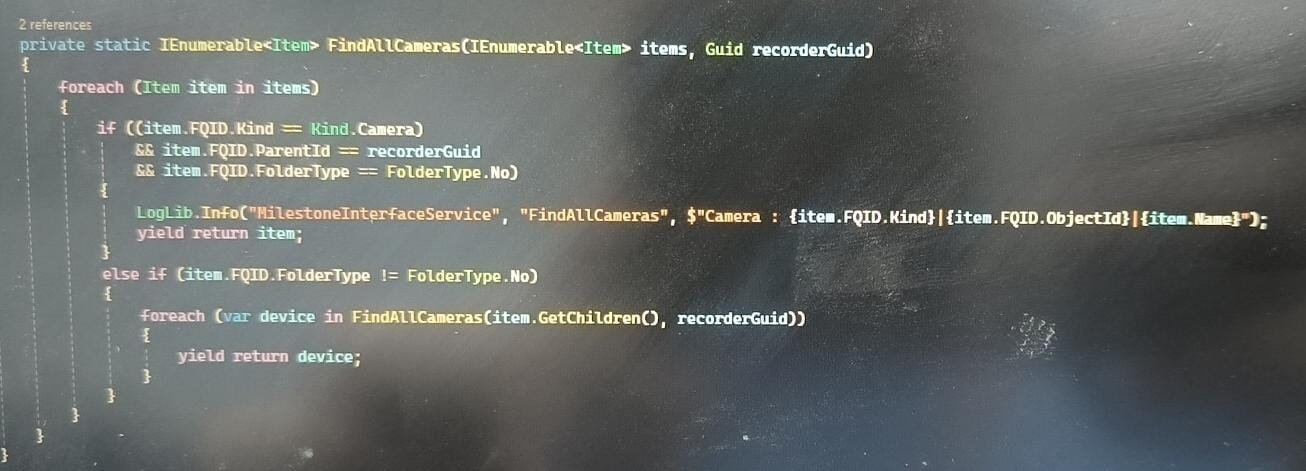
I have attached the log file as well as the code we are using to get the status.
The SDK we are using is Milestone_2017R1.
Do let us know if we are missing anything else.
Thank you!
Please use the newest MIP SDK. There is no support for an 8 year old version.
I suspect you are working with the Status Session Console sample, correct me if I am wrong. The sample in a new version using the newest MIP SDK NuGet -
https://doc.developer.milestonesys.com/html/index.html?base=samples/componentsamples/statussessionconsole/readme.html&tree=tree_2.html
https://github.com/milestonesys
https://www.nuget.org/profiles/milestonesys
Please try if the sample works for you unmodified.
If it does not work and you want to illustrate code changes you have done to the original sample, please paste code snippets, please do no use pictures taken of your screen. If you have to show what is on screen, not source code, please use a screen capture tool (Windows Snipping Tool or other).
Hi Bo,
Apologies the SDK version we are using is 24.2.3.
Sorry for the miscommunication.
Hi Bo,
We are currently using the link mentioned and the SDK we are using is version 24.2.3
Here is the code snippet as requested.
Would like to check is there anything we are missing
using System.Collections.Generic;
using System;
using System.Configuration;
using System.Linq;
using System.Net;
using VideoOS.Platform;
using VideoOS.Platform.SDK.Config;
using VideoOS.Platform.SDK.StatusClient;
using VideoOS.Platform.SDK.StatusClient.StatusEventArgs;
namespace MilestoneInterface
{
internal class MilestoneInterfaceLib
{
private static IDictionary<Guid, Item> \_devices;

private static IDictionary<Guid, Item> \_hardware = new Dictionary<Guid, Item>();

private static readonly Guid IntegrationId = new Guid("FF0B9F27-A2C2-4720-989B-9AB0509BA099");

private const string IntegrationName = "Status Session Console";

private const string Version = "1.0";

private const string ManufacturerName = "Sample Manufacturer";

public static void Initialize(string\[\] args)

{

  bool secureOnly = bool.TryParse(ConfigurationManager.AppSettings\["SecureServer"\].ToString(), out secureOnly) ? secureOnly : false;

  string server = ConfigurationManager.AppSettings\["ServerUri"\];

  if (args.Length > 0)

  {

    server = args\[0\];

  }

  var recordingServer = GetRecordingServer(server, secureOnly);

  var recordingServerId = recordingServer.FQID;

  [LogLib.Info](https://LogLib.Info)("MilestoneInterfaceService", "OnStart", $"Server ID : "

    + $"{[recordingServerId.ServerId.Id](https://recordingServerId.ServerId.Id)}"

    + $"|{recordingServerId.ServerId.Uri}"

    + $"|{recordingServerId.ServerId.ServerScheme}");

  List<Item> allItems = recordingServer.GetChildren();

  [LogLib.Info](https://LogLib.Info)("MilestoneInterfaceService", "OnStart", $"Children : {allItems.Count}");

  \_devices = FindAllCameras(allItems, [recordingServerId.ServerId.Id](https://recordingServerId.ServerId.Id)).ToDictionary(item => item.FQID.ObjectId);

  ISet<Guid> subscribedDevices = new HashSet<Guid>(\_devices.Keys);

  using (var statusApi = new StatusSession(recordingServer))

  {

    // Listen for changes to the connection state

    statusApi.ConnectionStateChanged += ConnectionStateChangedHandler;

    // Listen to changes to the states of devices

    statusApi.CameraStateChanged += CameraStateChangedHandler;

    // Start the session with the Recording Server

    statusApi.StartSession();

    // Subscribe to devices found

    statusApi.SetSubscribedDevicesForStateChanges(subscribedDevices);

    //// Alternatively, it is possible to subscribe to all devices of a specific kind.

    //statusApi.AddSubscriptionsToDevicesOfKind(Kind.Camera);

  }

  [LogLib.Info](https://LogLib.Info)("MilestoneInterfaceService", "OnStart", $"Subscribed");

}

private static void ConnectionStateChangedHandler(object sender, ConnectionStateChangedEventArgs e)

{

  [LogLib.Info](https://LogLib.Info)("MilestoneInterfaceService", "ConnectionStateChangedHandler", $"Connection state changed to : ({e.ConnectionState})");

}

private static void CameraStateChangedHandler(object sender, CameraStateChangedEventArgs e)

{

  [LogLib.Info](https://LogLib.Info)("MilestoneInterfaceService", "ConnectionStateChangedHandler", $"{e.Time.ToLocalTime()} - Camera state changes for "

    + $"{\_devices\[e.DeviceId\].Name} : Started ({e.Started}) Recording ({e.Recording}) Motion ({e.Motion}) NoConnection({e.ErrorNoConnection})");

}
Here is the other half of the code
static Item GetRecordingServer(string hostname, bool secureOnly)

{

  [LogLib.Info](https://LogLib.Info)("MilestoneInterfaceService", "GetRecordingServer", $"Server : {hostname}|Secure={secureOnly}");

  string hostManagementService = hostname;

  if (!hostManagementService.StartsWith("http://") && !hostManagementService.StartsWith("https://"))

    hostManagementService = "http://" + hostManagementService;

  Uri uri = new UriBuilder(hostManagementService).Uri;

  string username = ConfigurationManager.AppSettings\["Username"\];

  string password = ConfigurationManager.AppSettings\["Password"\];

  [LogLib.Info](https://LogLib.Info)("MilestoneInterfaceService", "GetRecordingServer", $"Credential : {username}|{password}");

  VideoOS.Platform.SDK.Environment.Initialize();

  VideoOS.Platform.SDK.Environment.AddServer(secureOnly, uri, new NetworkCredential(username, password));

  try

  {

    //VideoOS.Platform.SDK.Environment.Login(uri, IntegrationId, IntegrationName, Version, ManufacturerName);

    VideoOS.Platform.SDK.Environment.Login(uri);

  }

  catch (Exception ex)

  {

    LogLib.Error("MilestoneInterfaceService", "GetRecordingServer", $"Could not logon to management server : {ex.Message}");

  }

  if (EnvironmentManager.Instance.CurrentSite.ServerId.ServerType != ServerId.CorporateManagementServerType)

  {

    LogLib.Warn("MilestoneInterfaceService", "GetRecordingServer", $"{hostManagementService} is not an XProtect VMS Products Management Server");

  }

  VideoOS.Platform.Login.LoginSettings loginSettings = VideoOS.Platform.Login.LoginSettingsCache.GetLoginSettings(hostManagementService);

  [LogLib.Info](https://LogLib.Info)("MilestoneInterfaceService", "GetRecordingServer", $"Token : {loginSettings.Token}");

  Item serverItem = VideoOS.Platform.Configuration.Instance.GetItem(EnvironmentManager.Instance.CurrentSite);

  List<Item> serverItems = serverItem.GetChildren();

  Item recorder = null;

  foreach (Item item in serverItems)

  {

    if (item.FQID.Kind == Kind.Server

      && item.FQID.ServerId.ServerType == ServerId.CorporateRecordingServerType)

    {

      recorder = item;

      [LogLib.Info](https://LogLib.Info)("MilestoneInterfaceService", "GetRecordingServer", $"Server ID : "

      + $"{[recorder.FQID.ServerId.Id](https://recorder.FQID.ServerId.Id)}"

        + $"|{recorder.FQID.ServerId.Uri}"

        + $"|{recorder.FQID.ServerId.ServerType}"

        + $"|{recorder.FQID.ServerId.ServerScheme}");

    }

  }

  return recorder;

}

private static IEnumerable<Item> FindAllCameras(IEnumerable<Item> items, Guid recorderGuid)

{

  foreach (Item item in items)

  {

    if ((item.FQID.Kind == Kind.Camera)

      && item.FQID.ParentId == recorderGuid

      && item.FQID.FolderType == [FolderType.No](https://FolderType.No))

    {

      [LogLib.Info](https://LogLib.Info)("MilestoneInterfaceService", "FindAllCameras", $"Camera : {item.FQID.Kind}|{item.FQID.ObjectId}|{[item.Name](https://item.Name)}");

      yield return item;

    }

    else if (item.FQID.FolderType != [FolderType.No](https://FolderType.No))

    {

      foreach (var device in FindAllCameras(item.GetChildren(), recorderGuid))

      {

        yield return device;

      }

    }

  }

}
}
}
I think you misunderstood. If you use the Status Session Console sample I know the code. Can you confirm you are using it unmodified?
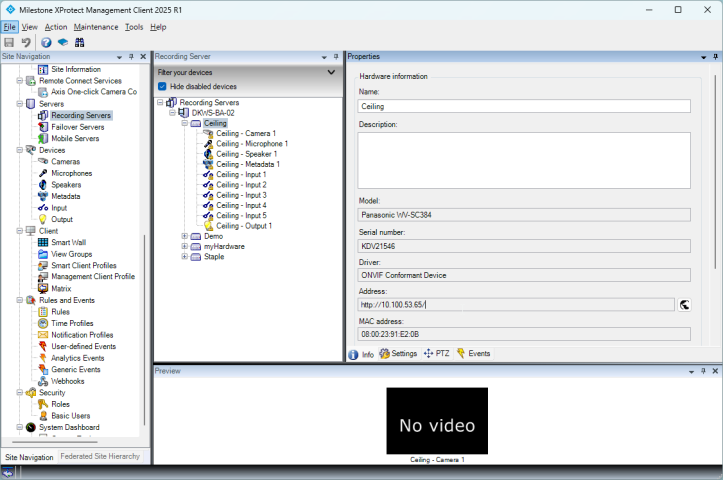
Let us establish first: If you use the Management Client and test removing the network cable do you see an error (yellow triangle icon)?
I ran the Status Session Console sample and observed (among a lot of other text output from the sample).
Disconnected the camera…
20-03-2025 15:52:00 - Camera state changes for Ceiling - Camera 1: Started (True) Recording (False) Motion (False) NoConnection(True)
re-connected the camera…
20-03-2025 15:52:27 - Camera state changes for Ceiling - Camera 1: Started (True) Recording (False) Motion (False) NoConnection(False)
Hi Bo,
Yes in fact when i un plug the cat 6 of the camera i am able to see the yellow triangle.
However when i use the sample code and placed it with the code i shared i am not able to get any output except for the cameras being subscribed.
Strange. The issue could be a user with lesser rights. The Status Session Console sample uses the current windows user unless you modified it, are you using the same when you use the Management Client (MC)?
Edit-
Actually I see that modification. Is the user the same as you have seen work in the MC? If not, please test where you use the same user in sample and in MC.
I am wondering about networking and firewall, do you run the sample in the server itself? If you haven’t tried please try and see if it makes a difference.
Hi Bo,
Just checked the same user account is used to log in to the Management client as well.
If it is an account issue i think i wont be even able to see the subscription list of the cameras in the previous screenshots i took.
The user account being used for the testing has elavated rights as well for testing purposes.
Is there something else that i might be missing?
Did you do a test run in the server like I asked?