See this sample;
Look for a Copy bitmap to Clipboard button and see it.
See this sample;
Look for a Copy bitmap to Clipboard button and see it.
I saw the code …
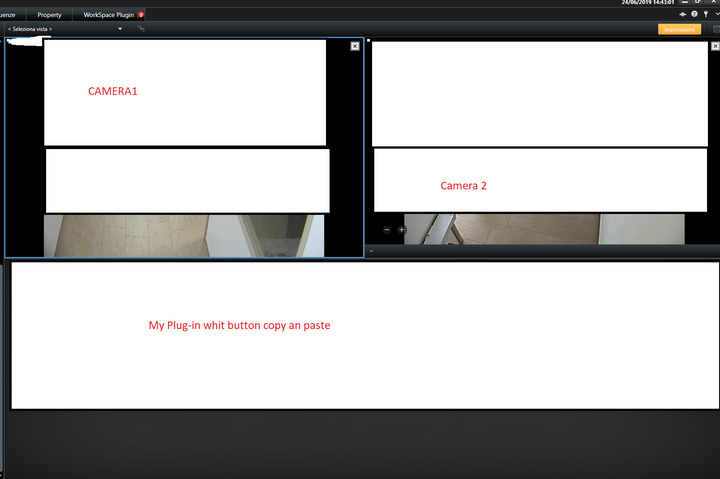
In my plug-in I don’t have a panel or picturebox to view the image.
My view has two cameras and a plug-in.
And I want to create the copy and paste button on my plug-in
Br
Francesco
ImageViewerAddOn.GetCurrentDisplayedImageAsBitmap (https://doc.developer.milestonesys.com/html/index.html?base=miphelp/class_video_o_s_1_1_platform_1_1_client_1_1_image_viewer_add_on.html&tree=tree_search.html?search=imagevieweraddon) allows to get the current picture from a camera in the view as a bitmap.
Have a look at the Analytics overlay sample to see how get hold of the ImageViewerAddOns: https://doc.developer.milestonesys.com/html/index.html?base=samples/analyticsoverlay_sample.html&tree=tree_1.html
Thanks for the reply.
I saw the example and created my plug-in.
what happens is that when I create the view by inserting the elements … the plug-in works correctly.
I insert in the Method Init
ClientControl.Instance.NewImageViewerControlEvent += new ClientControl.NewImageViewerControlHandler(NewImageViewerControlEvent);
void NewImageViewerControlEvent(ImageViewerAddOn imageViewerAddOn)
   {

       lock (\_activeImageViewerAddOns)

       {

           RegisterEvents(imageViewerAddOn);

           \_activeImageViewerAddOns.Add(imageViewerAddOn);

       }

   }
and I recorded the events
void RegisterEvents(ImageViewerAddOn imageViewerAddOn)
   {

       imageViewerAddOn.CloseEvent += new EventHandler(ImageViewerAddOn\_CloseEvent);

       imageViewerAddOn.StartLiveEvent += new PassRequestEventHandler(ImageViewerAddOn\_StartLiveEvent);

       imageViewerAddOn.StopLiveEvent += new PassRequestEventHandler(ImageViewerAddOn\_StopLiveEvent);

       imageViewerAddOn.PropertyChangedEvent += new EventHandler(imageViewerAddOn\_PropertyChangedEvent);

       imageViewerAddOn.RecordedImageReceivedEvent += new RecordedImageReceivedHandler(ImageViewerAddOn\_RecordedImageReceivedEvent);

       imageViewerAddOn.StartLiveEvent += new PassRequestEventHandler(ImageViewerAddOn\_StartLiveEvent);

       imageViewerAddOn.StopLiveEvent += new PassRequestEventHandler(ImageViewerAddOn\_StopLiveEvent);

   }
When switching from one view to another the plug-in doesn’t work …
the activeImageViewerAddOns.Count return 0…
Why?
Br Francesco
I cannot figure out what is wrong with your code, but I just tried out the Analytics Overlay sample and it worked fine after changing views.
So please have a look at the sample and try to compare with your code.
Thanks,
I’m creating a ViewItemUserControls and I think the problem is that the ViewItemUserControls are generated and disposed as the user selects different views…
How can I solve it?
Br
Francesco
Again, it is very hard for me to figure out what is wrong with your code, but Analytics overlay do work, so please have a look at that code and compare it to your own. There must be a difference since it works for that one.
One comment though is that _activeImageViewerAddOns and the event handler has to be on something that is not opened and closed over time. So for instance an object you create at some higher level.