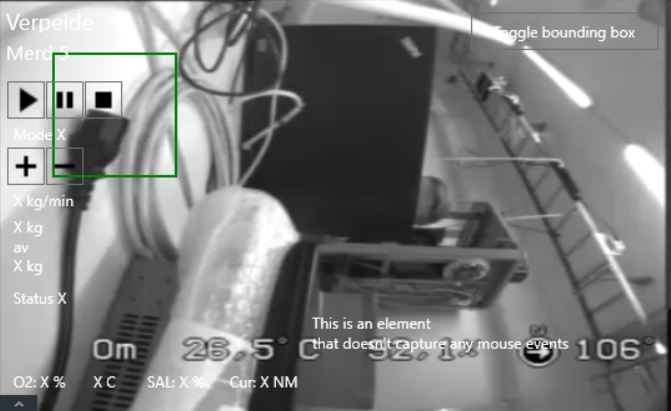
I am not able to remove/hide the bounding box that comes with the camera I am using in my plugin. Tried to disable it in the Smart Client and in the Management Client without any luck.
Is it any ImageViewerWpfControl property I can set to disable it?
The screen capture reveals that the box is from a MIP plugin that is automatically installed when you install the MIP SDK. It is recommended to disable or remove the plugins you are not actively working on.
I tried to disable all other plugins in the Tray Manager, but the bounding box is still there. Can i disable it in my own plugin? if yes, in what part of the plugin is the bounding box located?
I am no sure how, but the ActiveElementsOverlay.cs have been implemented in my plugin. When I removed it the Bounding Box disappeared also. I did not think the issue was in my plugin, since the bounding box appeared in views where I did not use my plugin. But I guess the Smart Client accessed it through my plugin.