I have installed latest App Center with version (1.1.328). In the runtime folder I got the attached “how to guide” but it doesn’t specify how i can run it in sandbox, I need it to build apps and test locally.
How do we install App Center with Sandbox / Developer mode enabled?
Thanks for posting this question as a different topic
This answer can be found here - if you are asked for a password, it is shared on this post.
In short, these are the arguments you can pass to the installer to install the Sandbox environment:
--cluster-sandbox : Set up a local sandbox consisting of a Docker registry and Helm repository allowing you to deploy and install your app locally, before submitting the app.
--cluster-dev-mode : Enable Kubernetes & Helm dashboards for monitoring and debugging
--cluster-debug : Output verbose installation logs --dbg : Run the UI installer in debug mode
--update : To speed up the installation, you can set this flag and it will skip whatever is already installed
Hello. I am having issues installing the runtime and would like to reach the documentation. But it seems that the page with the password is gone. Could someone share it? Thanks

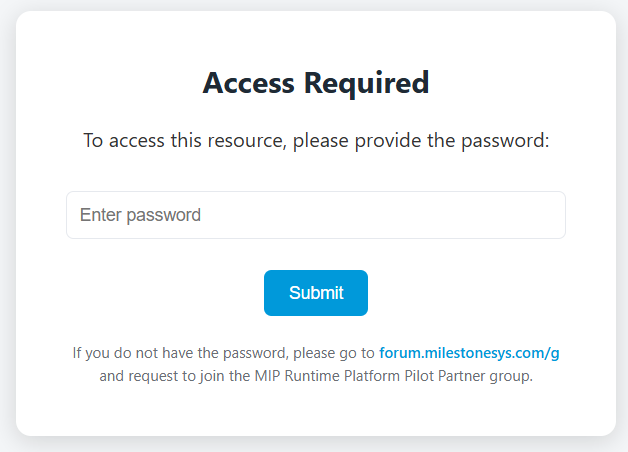
 How to get access
 Access is typically granted within one business day.
 What you will see after access is granted