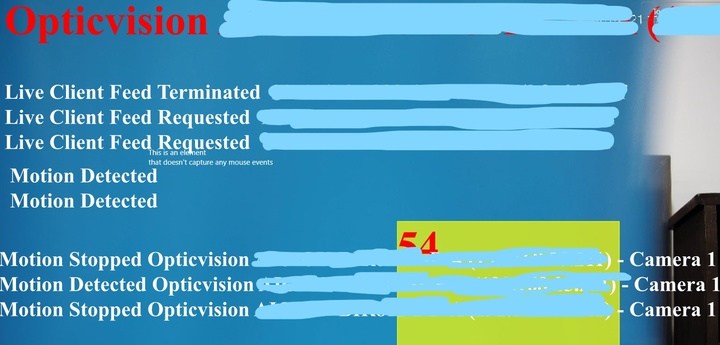
I want to hide or remove Overlay text (" Live Client Feed Terminated “, “Live Client Feed Requested” ,“Motion Detected” , “Motion Stopped”, “Camera Name”, " Motion Stopped Opticvision”, “Motion Detected Opticvision”) and floating yellow box
Please read these articles. They might be helpful for you.
https://developer.milestonesys.com/s/article/MIP-SDK-plugins-remove-the-plugins-you-do-not-use