I looked in the documentation and did not find the answer to display multiple cameras in the ImageViewerWpfControl. It must be possible, see the jpg I supplied here. Or is there a control other than ImageViewerWpfControl?
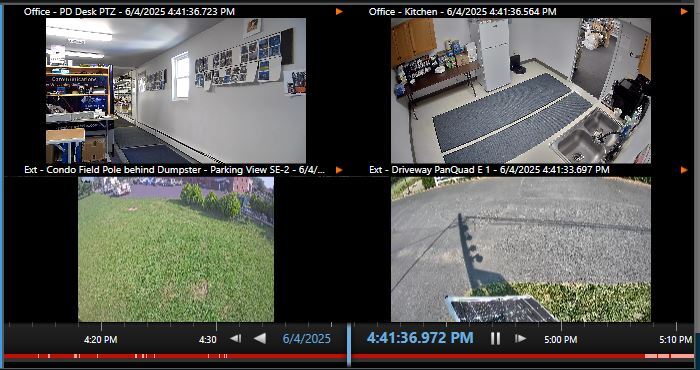
The screenshot is from a regular “alarm preview” cell. How can I code this into a plug-in?
ImageViewerWpfControl is for one camera and one camera only.
When you develop a viewitem you can put all the content you desire, you can use multiple ImageViewerWpfControl in one viewitem.
Perhaps you do not want that perhaps you just want a view with multiple built-in camera items. If this is more like it please see the Smart Client Insert Camera plugin sample.