I am using XProtectProfessinal + 2019R2.
I want to display text on the upper part of the PTZ control panel for live video, but when I refer to AnalyticsOverlay in PluginSamples, I can only display text on the video.
Is it possible to display text outside the video?
If possible, please tell me how.
As you have observed and the sample shows the overlay functionality puts overlay on the video. If you have black space around the video images this cannot be used for overlay. This is how the overlay functionality is implemented.
Dear Bo-san
Thank you for your reply.
As bo-san understands. Is there a way to display characters in black space without using an overlay?
No, not really. The only solution I can think of would be to create a new window and position it in the black space, but I guess it would be a hard job to implement functionality so that it follows if the Smart Client is moved or resized on the screen, I am not sure if this is a feasible solution.
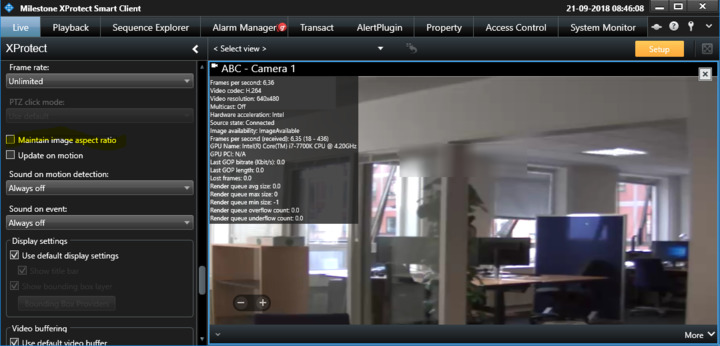
PS. By default the Smart Client uses “Maintain image aspect ratio”, if you have customers who dislike the black space it might be an idea to show them that they can turn this off:
![aspect1]()