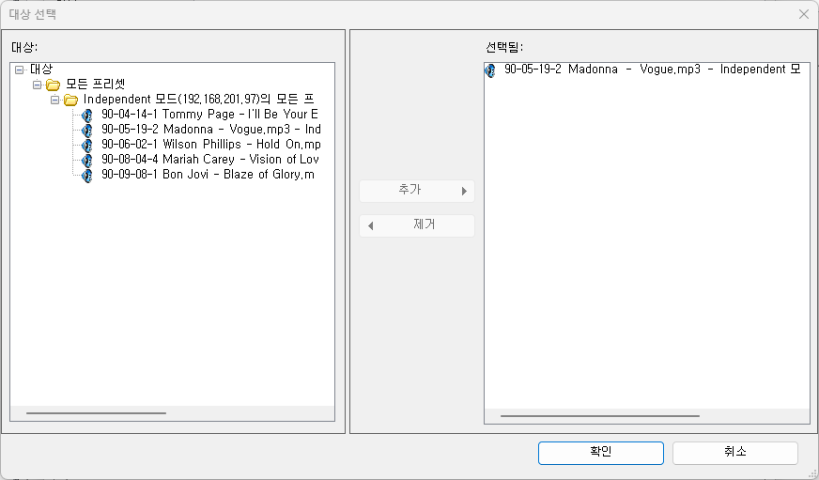
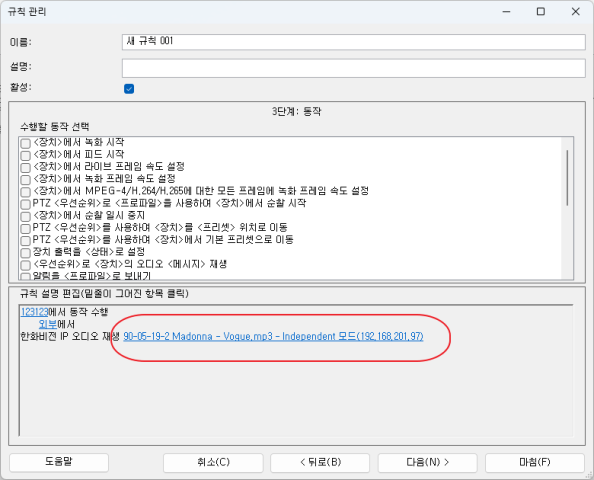
Hello, I have generated a configuration popup using the ActionManager, as shown in the following image:
1) I would like to prevent users from adding items from left to right that are already configured in other rule settings.
- I would like to display only filtered items in the left pane.
Are there any ways to do this?
It is from Rule management window in Management Client. As far as I know I can’t access this usercontrol.
I don’t understand the scenario. Please tell me what you are developing and what you are using of Milestone classes to develop it.
Do you think it would be possible for us here at Milestone to see the situation by using one of the plugin samples? If yes, please describe how we can observe this.
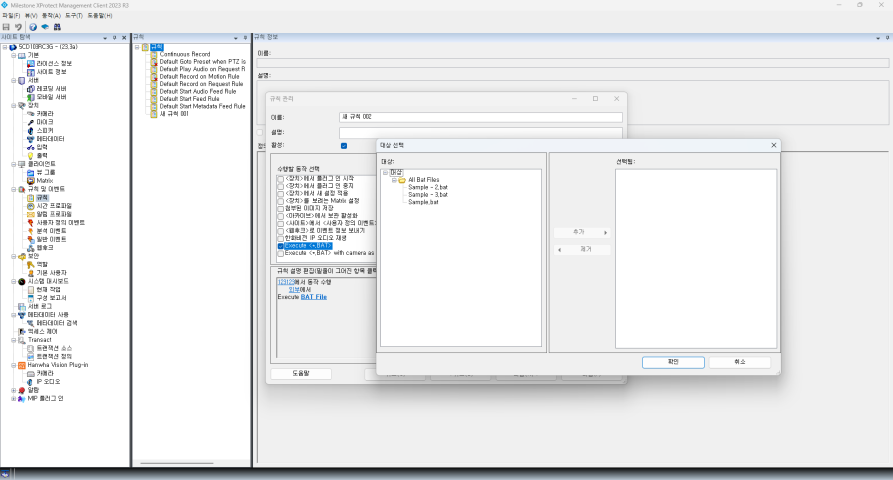
Yes, sure, You can use the ‘BatAction’ project in 'mipsdk-samples-plugin’.
Then let me rephrase my question to fit this case,
-
How can I allow users to add ‘Sample-2.bat’ while preventing them from adding ‘Sample-3.bat’?
-
How can I display just 2 BAT files randomly from the set of 3 items?
I believe you can control this in the BatActionItemManager, number 2 I think is the GetItems method, number 1 I am unsure about and maybe it is not possible. I believe you can make observations by debugging, try to put some breakpoint and see how the code is working. Note that this is an Event Server plugin, even if you see the dialog in the Management Client it is the Event Server you need to debug.
https://developer.milestonesys.com/s/article/debugging-techniques-for-Event-Server-plugins
Thank you. I see the number 1 is not possible by its design.