Hi, is there a way to hide the button in the Access Control tab of XProtect Smart Client (2020 R1) that says “Access control administration” ? It is in the top right, see screenshot.
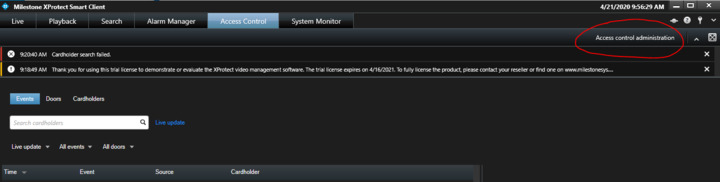
In the Demo Access Control Plug-in project this is controlled by DemoAccessControlSystem SetProperties method (DemoAccessControlSystem.cs). You cannot make differentiated rights on this based on who the user using the Smart Client is.
Thanks for the reply Bo. So, it’s not possible to hide that button, correct?
I thought it was. My testing says otherwise.
In the Demo Access Control plugin project I changed
public override IEnumerable<ACExternalCommand> ExternalCommands { get { return null; /* _externalCommands;*/ } }
I expected the button to go away but it looks like this
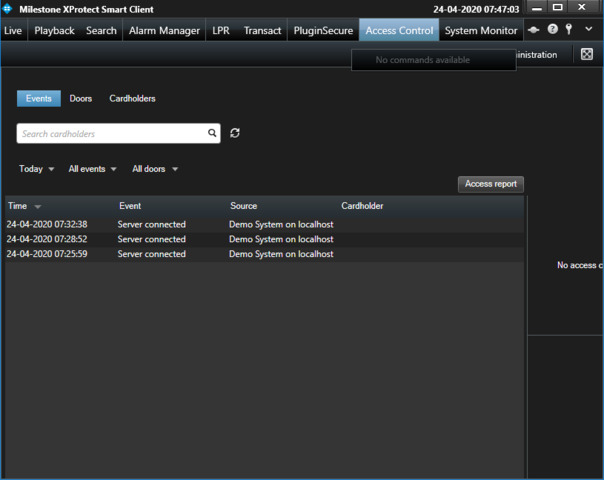
Thanks Bo, that’s what I found as well.