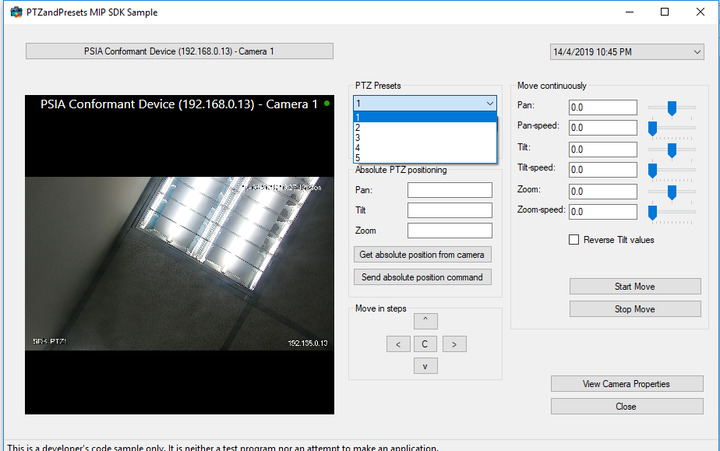
Sample Program PTZandPresets uses fallowing sample code to load presets from camera.
foreach (VideoOS.Platform.Item child in children)
    {

      comboBoxPresets.Items.Add(child);

    }
But this piece of code will not add “Home” to the combobox.
How can i also add “home” to the preset list?
Can you name one of your presets “home”?
I can do that.
But now without naming one of the preset as “Home” still I can able to see “Home” in Xprotect Smart client. but the above code can not list it.
Hi Anuroopa. From the quick look, Home is the default position of the camera, and not a particular preset. I’m not sure if it’s possible to list in the SDK. But I will pass your question further to SC team, so maybe they will clarify it.
After talking to SC team, it’s confirmed that “Home” is set by the camera and is as such not a preset like the ones created by the user.
It seems that the best solution for you is to manually create something like “Cam home” first preset with the initial camera position.