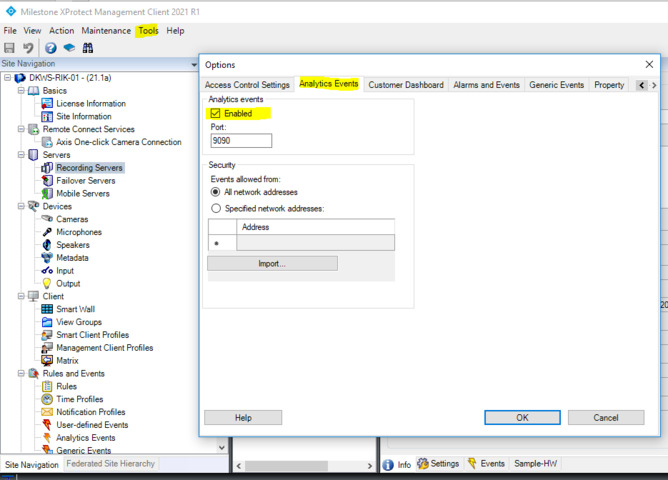
Our main goal is to separate the management client from the smart client into two different computers. We tried to replace the ‘localhost’ function’s parameter that sends the analytic event with the IP address of the host computer, specifying the port 9090 but it didn’t work. The port is already enabled in the management client.
Also please verify if you setup an analytics event named MyAnalyticsEvent01 in your Management Client and setup an alarm that is created based on the analytics event.
yes, the analytic event is enabled. In fact, all the process was working when sending the analytic event to localhost, but it’s not working when we send it using an IP address.
Are you using the Analytics Event Trigger via XML sample unmodified? (If you go back to the original sample.)
Is port 9090 allowed through the firewall(s)?
You replace the localhost with the server’s IP, hostname, FQDN. Does it work in any of the cases?
You replace the XML to the extend that it identifies the “source”, please double check this, you could test with the same xml that works when doing this in the server directly.