Hi,
Is it possible to hide the printing icon?
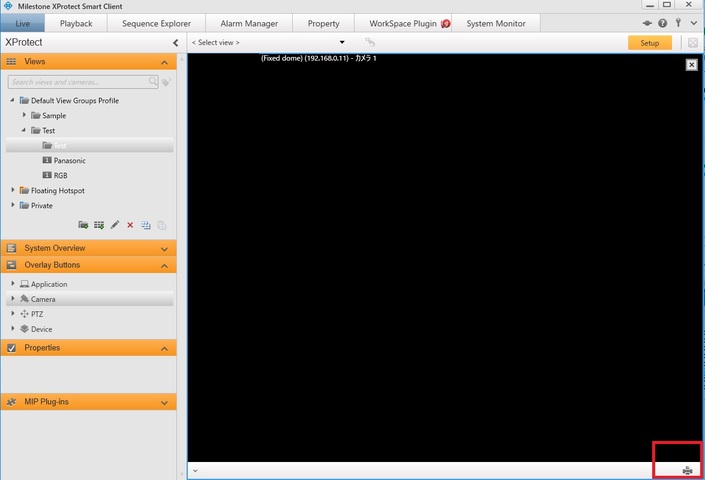
I guess it may be displayed automatically.
In your ViewItemUserControl or ViewItemWpfUserControl add
public override bool ShowToolbar
{
    get { return false; }
}
This will disable the toolbar fully.
If you want a toolbar you cannot remove the Print icon and functionality from it.
Hi Bo,
Thank you for your reply.
Sorry for my lack of explanation.
I want to use the toolbar because I need to show other icons.
Can we remove only Print icon ?
No, If you want a toolbar you cannot remove the Print icon from it.
This is not correct, see Ben’s comment below!
Thank you Bo.
This is the answer we wanted to know.
Looks like this answer is outdated, now you can add:
public override bool IsPrintEnabled => false;
to your ViewItemPlugin class, and the Print button won’t be added to the toolbar. You’ll still be able to call Print(…) from your plugin if you need to.