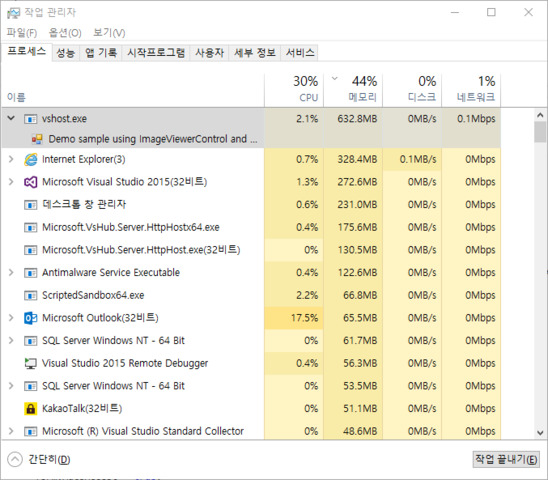
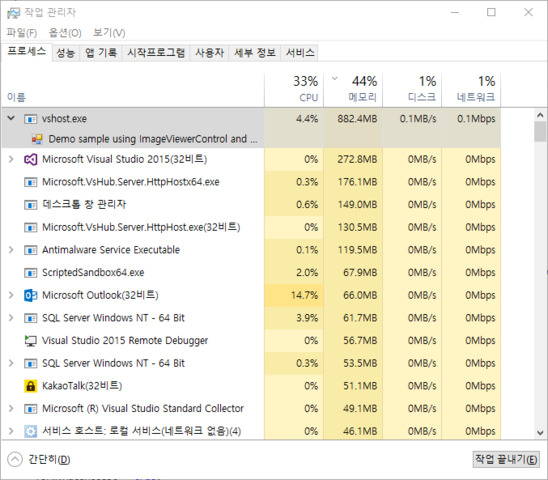
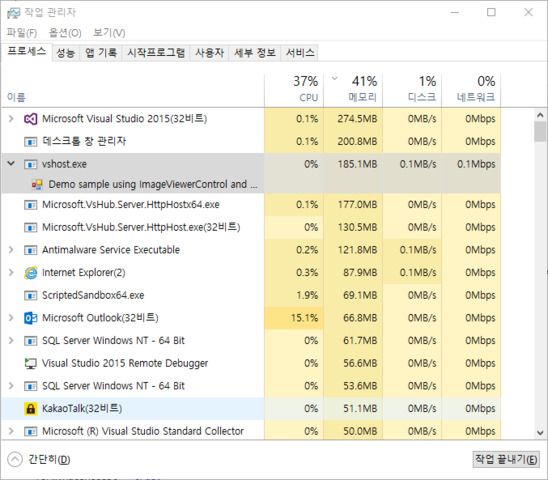
If you use the Smart Client do you experience the leak?
Please try to upgrade your graphics drivers.
If that does not solve it:
Questions-
Is this a real physical computer with graphics or is this some sort of virtual machine?
Version and bitness of client (Smart Client or MIP SDK)?
(example MIP SDK 2017R3)
Operating System version and bitness ?
(example: Windows 10 64bit)
CPU model and usage ?
(example: Intel i7 4770K , 70% load)
RAM quantity and if dual channel is setup ?
(example: 16 GB 2 slots 8GB each)
Intel Gfx model and driver version ?
(example: HD 4600, Driver version: 10.18.14.4264, Driver date: 04-08-2015)
Dedicated Gfx model and driver version ?
(example: Nvidia GTX 750, Driver version: 10.18.13.5582, Driver date: 25-08-2015)
Length of the GOP and fps ( pr camera) ?
(example: default (or custom 100), 8 fps (or 10 fps))
Video codec and resolution ?
(example: H264 800x600 and H265 1920x1080)
Video buffering setup for the devices ?
(example: default (or 500ms…))
Diagnostic overlay HW acceleration indicator ?
(example: shows ON)
Please attach DxDiag log file (run DirectX Diagnostics (dxdiag.exe) and save a log file to send to us).
Together with the DxDiag log file please also send a screen capture showing the diagnostics overlay info.