I’m developing a custom Access Control plugin using MIP SDK for integrating our third-party access control system
(Database-based) with XProtect. The plugin is working — events are fired via FireEventsOccurred(), they appear in both
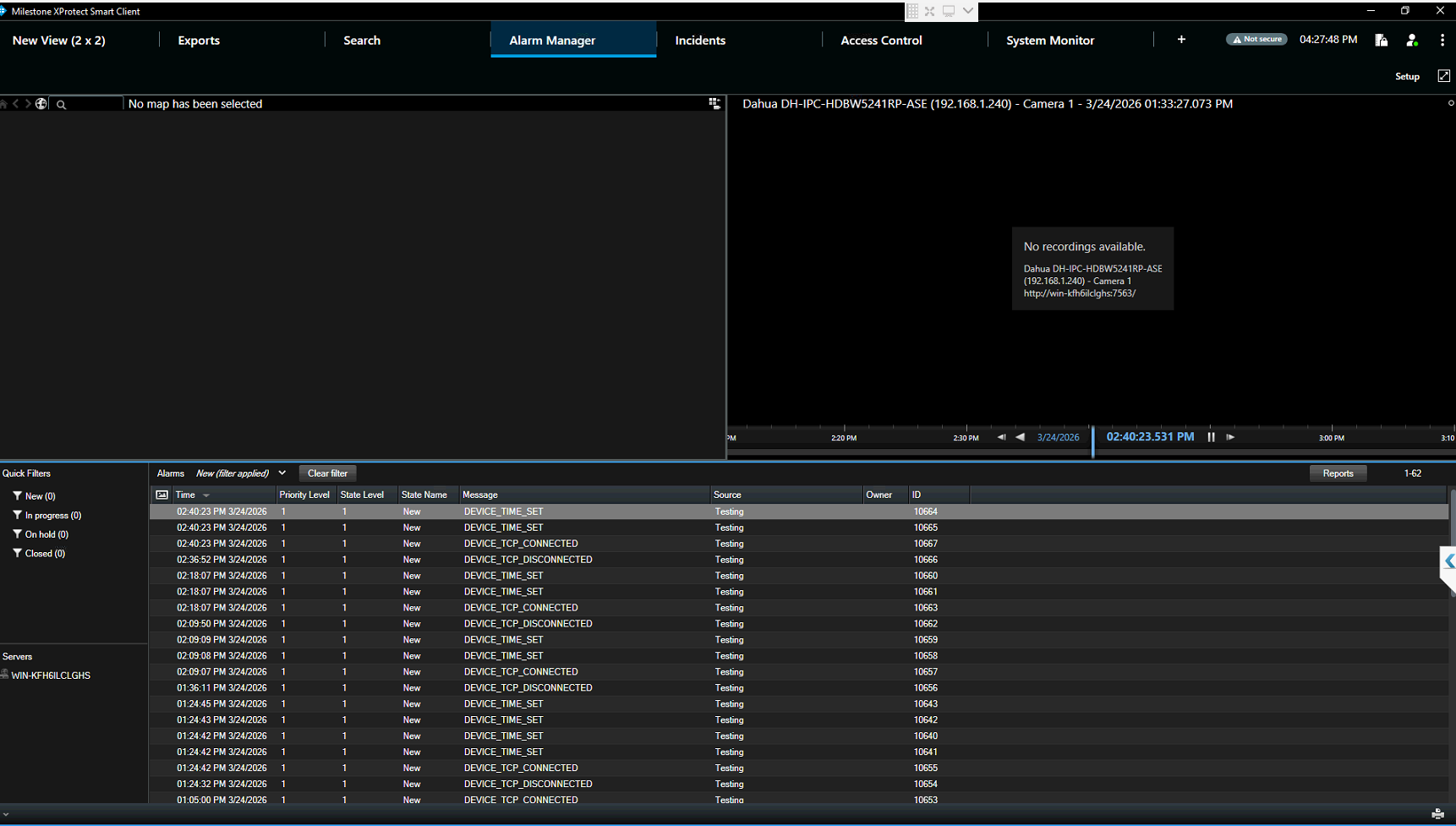
the Access Control Events tab and Alarm Manager — but only when I switch tabs. They do not appear in real-time.
What’s Working
-
Plugin loads successfully on Event Server
-
Configuration fetches correctly (doors, event types, access points)
-
FireEventsOccurred() is called for each event (confirmed via logs)
-
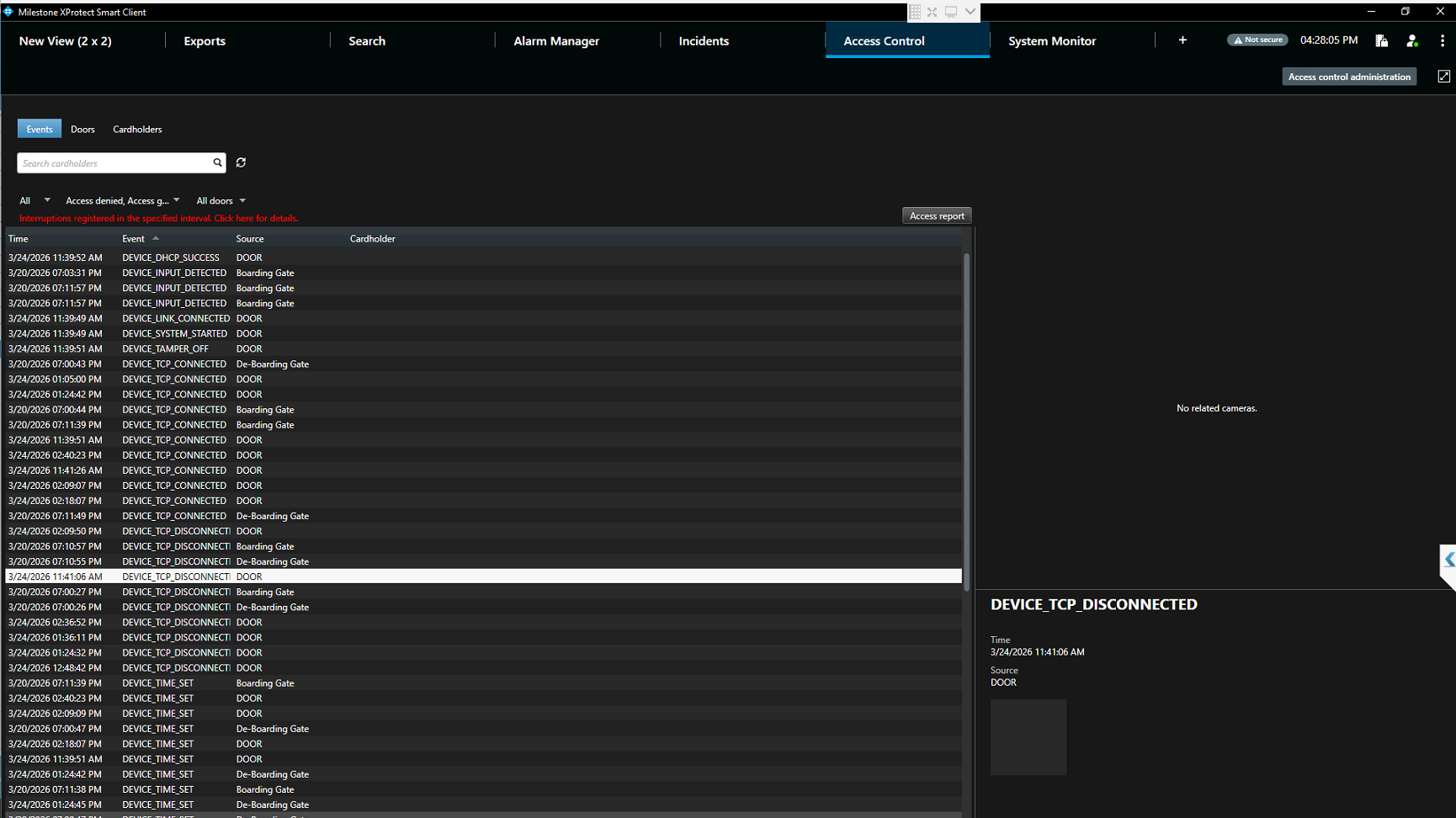
Events appear in Access Control → Events tab (after tab switch)
-
Alarms appear in Alarm Manager (after tab switch)
-
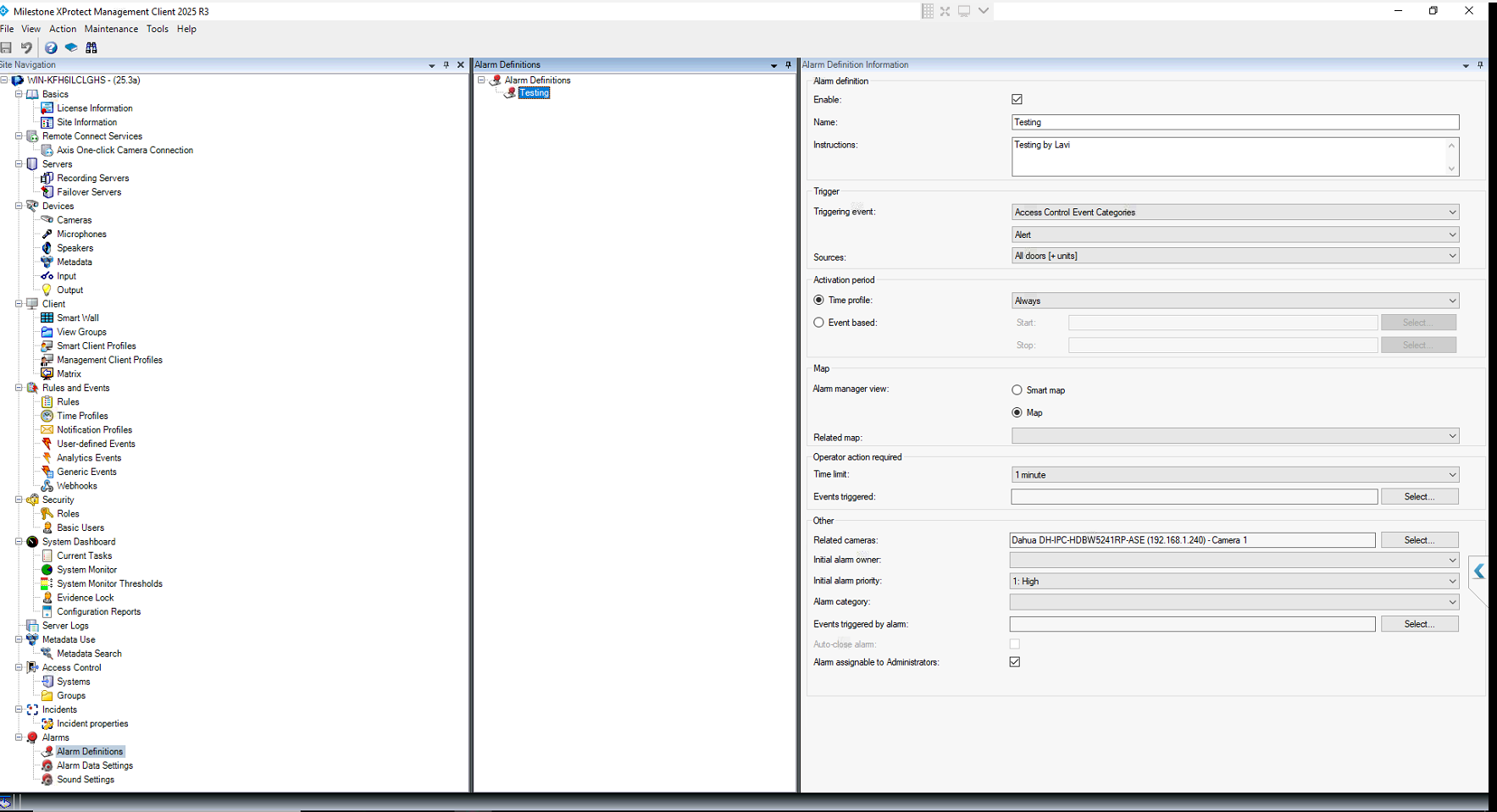
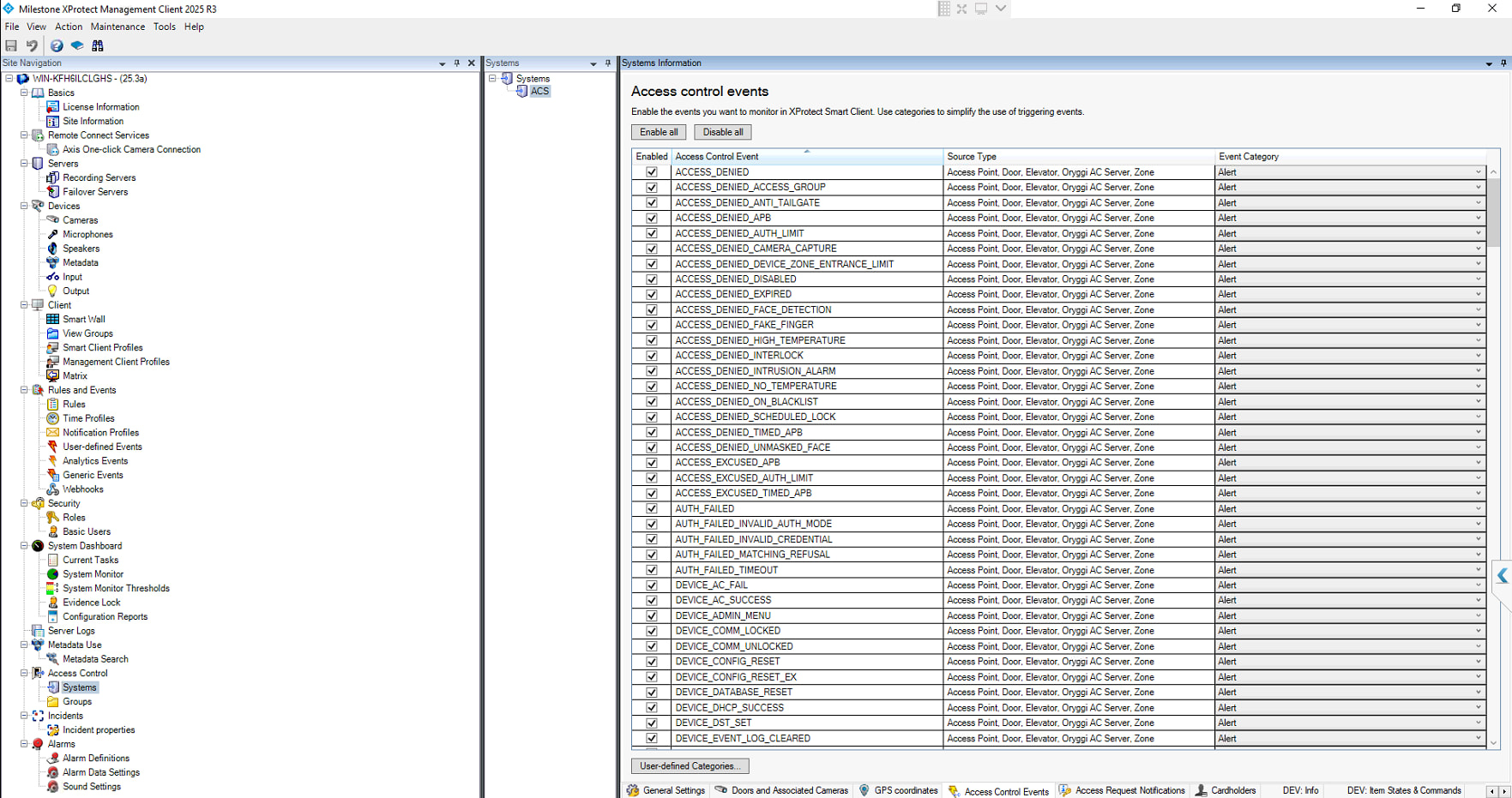
Alarm Definitions are correctly configured (Triggering event: Access Control Event Categories → Alert, Sources: All
doors)That’s NOT Working
-
Events/Alarms do not auto-refresh or appear in real-time
-
User must switch to another tab and come back to see the new events
-
“Live Update” mode in the Access Control tab does not help
Plugin Architecture
-
Runs on Event Server as an AC plugin (ACSystem, ACEventManager, etc.)
-
Polls external web service every 2 seconds for new events
-
Fires events one-by-one (not batched) via FireEventsOccurred(new { acEvent })
-
Uses Task.Run + async/await + Task.Delay (same pattern as DemoAccessControlPlugin)
-
Uses Guid.NewGuid().ToString() for unique event IDs
-
Uses DateTime.UtcNow for timestamps
-
Calls FireStatesInvalidated(null) on connect
-
Fires ServerConnected event on connect
Custom log file Path for our AC Plugin
Log Output (Events ARE being processed)2026-03-20 18:13:47.203 [INFO] ACConfiguration created successfully.
2026-03-20 18:13:47.204 [INFO] Fetched 2 doors, 308 event types, 6 command types.
2026-03-20 18:14:12.145 [INFO] Web service connection test successful.
2026-03-20 18:14:12.167 [INFO] Built MachineID->DoorID cache with 2 entries.
2026-03-20 18:14:12.167 [INFO] Event polling started.
2026-03-20 18:14:12.195 [INFO] State monitoring started. Initialized 2 door states.
2026-03-20 18:14:12.204 [INFO] Server Connected event fired.
2026-03-20 18:14:12.204 [INFO] Connected successfully.
2026-03-20 18:16:12.374 [INFO] Processed 1 events.
2026-03-20 18:16:16.446 [INFO] Processed 1 events.
2026-03-20 18:17:29.119 [INFO] Processed 1 events.
-
-
Access Control tab — Latest Events appear only after switching tabs:
Environment
- Milestone XProtect Management Client version 2025 R3(v25.3a)
- Milestone XProtect Smart Client 2025 R3
- .NET Framework: 4.7
- Smart Client and Event Server on the same machine.
Any guidance would be greatly appreciated.
Thank you