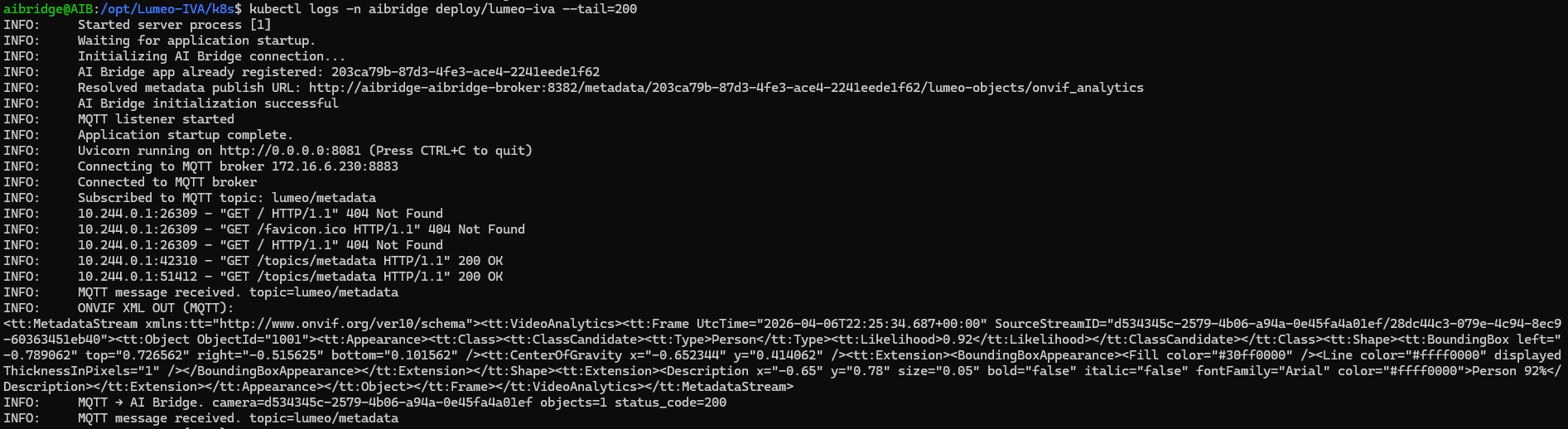
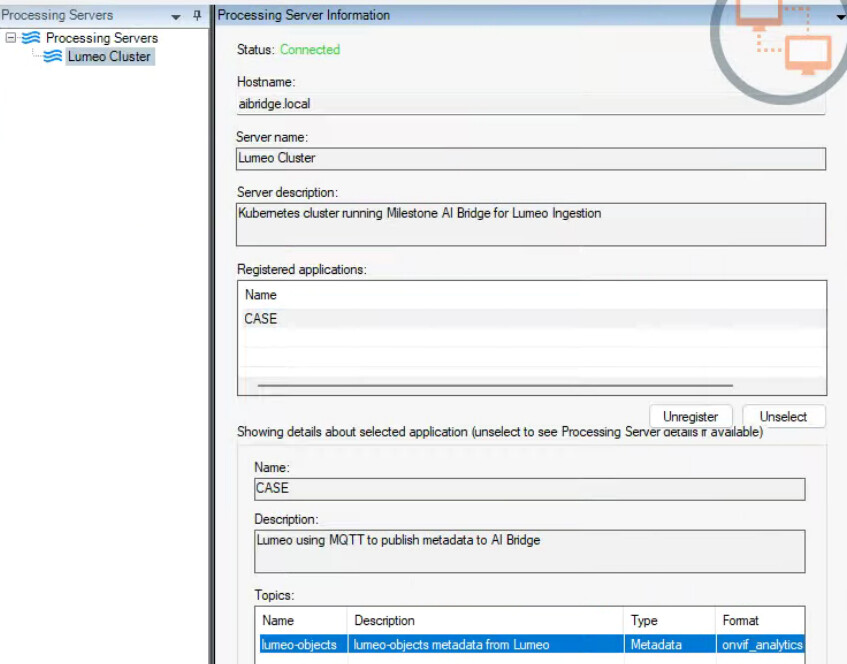
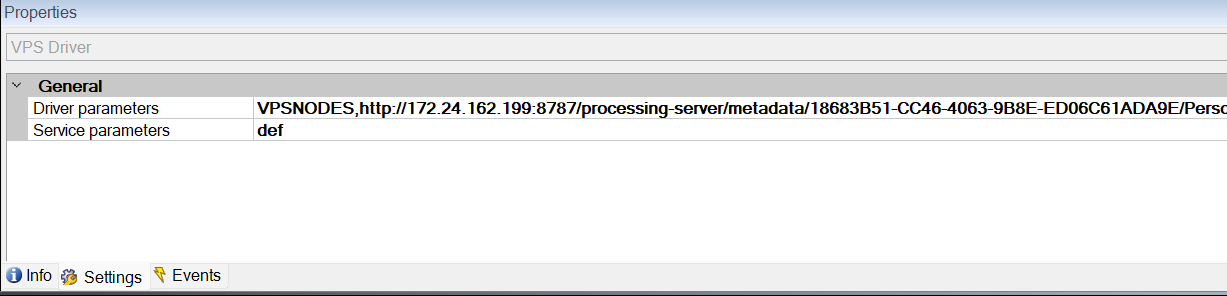
Hi! I recently deployed a version of the AI bridge starting with docker. I was able to get it working and to show live metadata (bounding boxes). But with the Kubernetes version I have not been able to successfully show metadata. I have troubleshooted all the areas I can think of. The bridge says its connected, I have a camera subscribed to the metadata channel, the IVA app is successfully connected. The protocol for transportation is MQTT. All logs show the MQTT packets come in, the app transposes them to onvif analytics format (XML) sends to the AI bridge and successfully returns a 200 from the Bridge. No IVA app code has changed when it was working with Docker AI bridge.
The app successfully registers with graphql, I have queried and confirmed everything is working as it should.
I was originally on AI Bridge 2.0.4, I even rolled it back to 2.0.3 to see if it would work.
All Pods are in healthy order. But when I check logs on connector, or streaming - while running a live test, I see no output. Which tells me the metadata isn’t reaching the pipeline.
I will say I’m pretty new to running Kubernetes and maybe I’m missing something. I have also learned that if Kafka topic offsets don’t increase, its also a sign of no metadata entering Kafka.
Hope to hear back soon and can get this resolved. Here is a little snippet of app registering successfully -
Thanks for that Breadcrumb! analyzing that log, my output was:
VpsThread - VpsThread - Error: Unable to connect to the remote server
This led me to test connections from the management client server to the AI bridge. I started getting unauthorized replies. Going through a few other possibilities, I found out I was missing DNS Mapping in the CoreDNS k8s. Once the hosts was mapped, it started receiving in metadata.