We have an issues where when either of the 2 scenarios happen, we no longer are able to get an RTSP stream from AI Bridge unless we restart the AI Bridge.
Using AI Bridge v2.0.1
Scenario 1: If the camera goes offline, and then comes back online
Scenario 2: When we restart our application - i.e. if we try to get the stream the first time, it’s fine, restart our application (or try and get the stream a second time) and it doesn’t work, we restart AI Bridge and then we get the stream back.
I have attached the logs for the following services:
The problem as I see it is that your application needs to include ‘reconnection’ logic.
The RTSP server will never re-stablished a lost connection with all its clients. Is up to the clients to reconnect once they detect a broken connection.
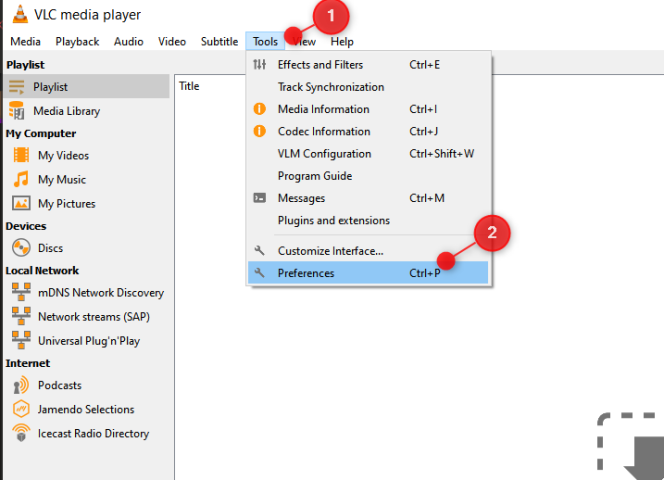
You can confirm this for instance using VLC.
VLC implements reconnect logic, thus when the AI Bridge is down and the feed is no longer working, VLC will not present any video, however, when the AI Bridge is back online, VLC will be able to automatically reconnect.
All in all, you should implement reconnect logic on your application.
You can combine the reconnect logic with a subscription to a failing deviceStatus for the relevant device(s) and observe the failing status “When true, the VMS is not able to communicate with the device. The reason is often due to a broken connection…”
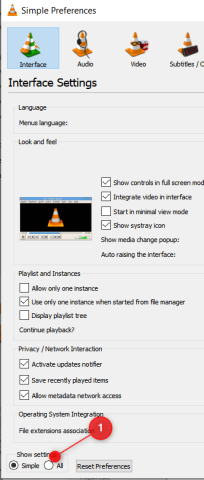
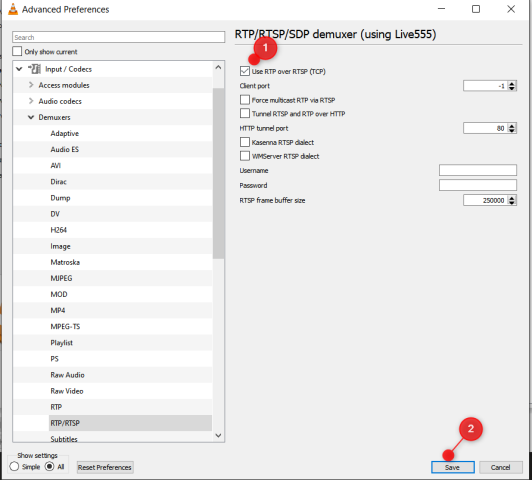
So in your code as a client, check the rtsp library being used and enforce tcp.
Here’s the video I’ve recorded showing how when enabling and disabling a camera, VLC is capable of resume and go on (I didn’t need to restart any AI Bridge service).
I appreciate the clarification, our application is definitely using TCP we made sure of that from the start. Yet we are facing the same issue.
They are wireless cameras, so connection isn’t always stable and when no frames are sent - it disconnects and only reconnects when we restart the entire AI Bridge.
Is it also not intresting that we get odd results when we investigate, as shown below, we connect but no data is given back:
lisber
(Lisber Gouveia de Pontes (Milestone Systems))
9
We can’t reproduce that environment with our current cam lab.
What you can do is:
Using Smart Client, record one of the problematic cameras and do an EXPORT selecting "“XProtect format” then we will be able to have exactly the same recording that is apparently causing problems with the rtsp and try to reproduce and debug this specific scenario.
Hi Lisber, is there another private forum I can share the export to? I would not be able to share a video from our site publicly?
We have also tried numerous other techniques for reconnection, brought in another expert in RTSP streams, but the issue remains so this is becoming a big problem in all of our sites.
If you share an email or @Hans Kierulff already has our information - we can send the moment that this happens.
lisber
(Lisber Gouveia de Pontes (Milestone Systems))
11
Can you please open a support case ticket. Then our support engineers will help us get the footage (they do this quite often).