We have one ONVIF-based camera which having ONVIF Profile S & G support. How are we able to see GPS Coordinate information like latitude and longitude in the Milestone management client ( As mentioned below) which ONVIF API we can implement in our camera side. ?
ONVIF API to Send Camera GPS Information like lat, long to Milestone Management client through ONVIF
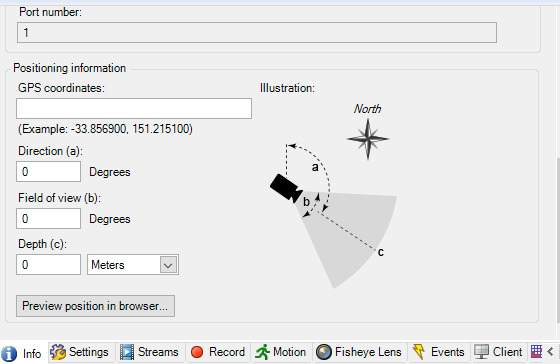
There are 3ways to do it.
1st, you can configure GPS Coordinate information on Management Client as you mentioned.
2nd, you can do it on Config API Client, see this sample - https://doc.developer.milestonesys.com/html/index.html?base=samples/componentsamples/configapiclient/readme.html&tree=tree_2.html
3rd, if you use Smart Map and in setup mode drag a camera on the map then the device position is configured automatically.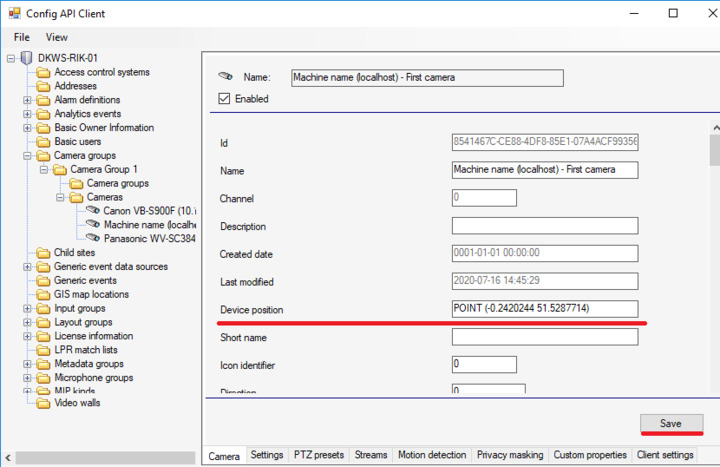
Thanks for the information,
- Can we able to set the GPS Coordinates with the use of the device ONVIF API. ? Because our device has a GPS coordinate and it can transfer to milestone management client while adding an ONVIF device.
For your information, We are using Product Version Xprotect professional plus 2021 R2 Test.
how we are able to configure the smart map in our smart client. I’m following the below docs for the same
https://doc.milestonesys.com/latest/en-US/feature_flags/ff_map/sc_configuringmaps.htm#Enable
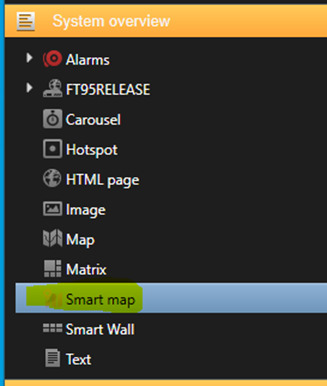
I have not got any smart map option in the smart client with the section System overview and Setting itself.
- System Overview
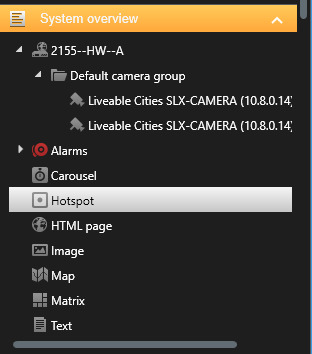
- Setting Tab
We have checked one option after adding the GPS coordinate of one camera and checked as below.
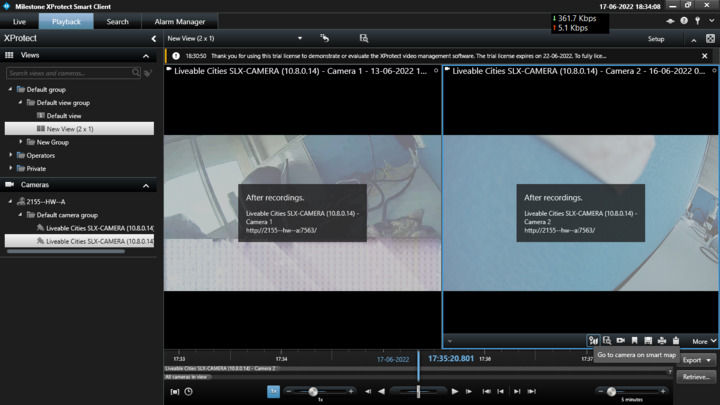
- We see a plugin issue. please let me know about the plugin installation for the same.
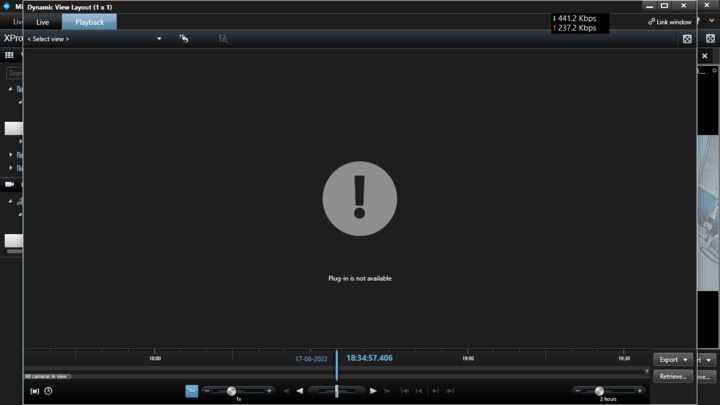
Regarding the smart map functionality, please see following instructions.
Steps to setup:
Start Management client, go to Smart Client Profiles and select a Smart Client Profile. Go to Smart map tab and set Available on Milestone Map Service and save the setting.
Start Smart Client and click Setup. Drag and drop Smart Map to a view. Select Milestone Map Service. Assign a camera on the map. Escape from Setup mode.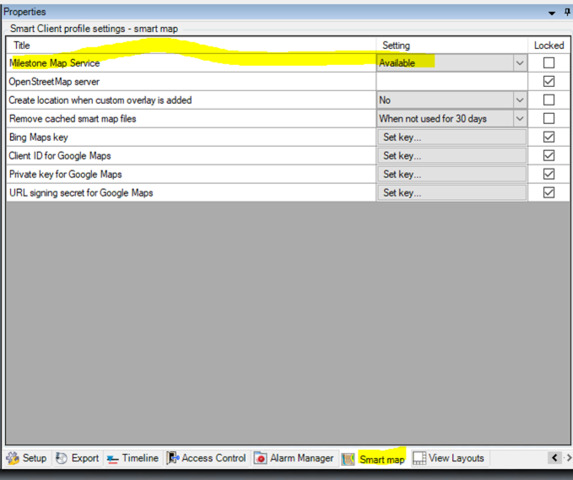
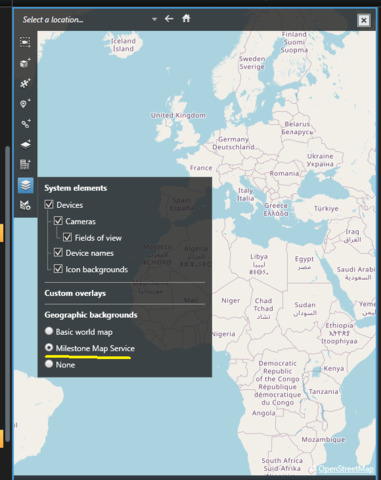
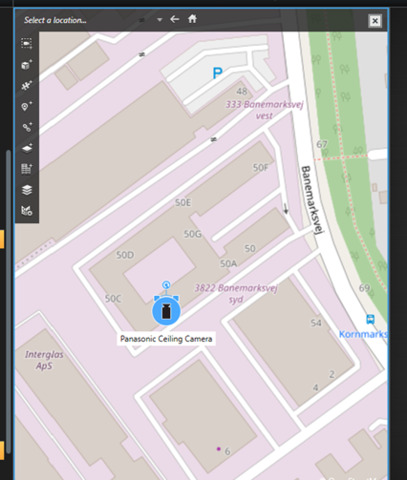
Restart Management Client and see the GPS Coordinates in the camera info.
Thanks for the info
But in the first step itself
Steps to setup:
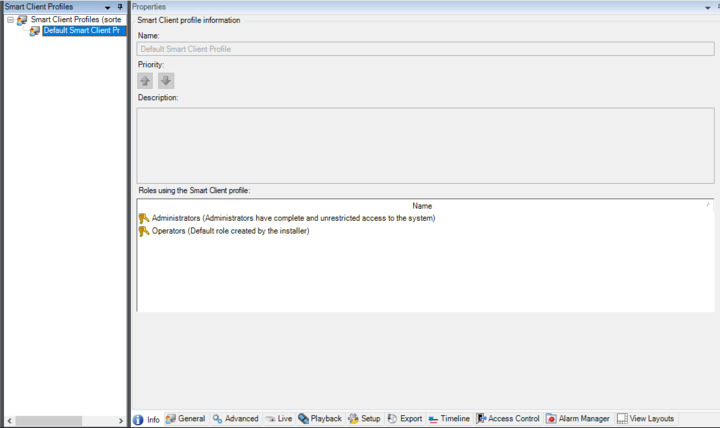
Start Management client, go to Smart Client Profiles and select a Smart Client Profile. Go to Smart map tab and set Available on Milestone Map Service and save the setting.
=> We do not have a smart map tab in default smart client profiles.
For your information, We are using Product Version Xprotect professional plus 2021 R2 Test.
Question 2
- Can we able to automatically set the GPS Coordinates with the use of the device ONVIF API. ? Because our device has a GPS coordinate and it can transfer to milestone management client while adding an ONVIF device.
That’s true, Smart Map is available on Expert and Corporate, I am sorry for missing it. Regarding question 2), no you cannot. However there are 3 ways of workarounds as I mentioned in the previous post.