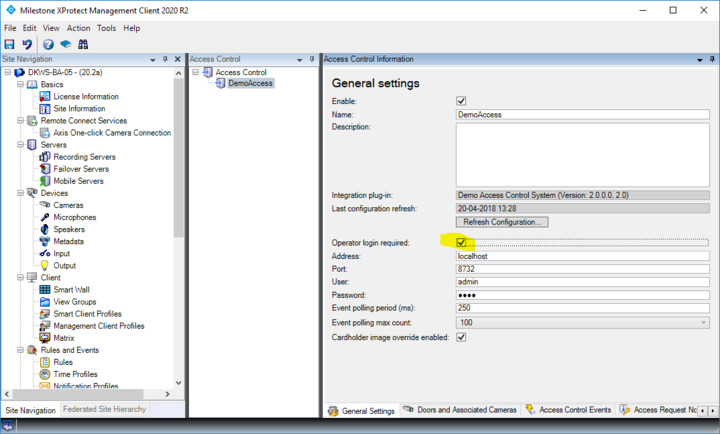
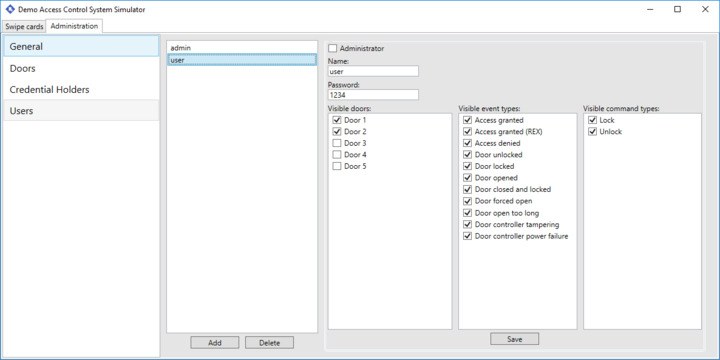
Hi, I would like to restrict the list of available doors based on the user’s permissions in our Access Control system. I see from the DemoAccessControlPlugin code that there is some framework code to do this. In PersonalizedConfigurationManager.cs there is code such as this:
private async Task FetchPersonalizedConfigurationAsync(string username, string password, long latestVersion)
This code uses a username and password. Where does this username and password come from? Is it the username and password used to login to the XProtect smart client? Or is there a way for the Access Control plugin to request the user to provide a login (username/password) specifically for the Access Control System itself?
In general, if you can point me to documentation and specifics on how I can achieve some level of personalization in the Smart Client, that would be appreciated.
-Lou