Hello,
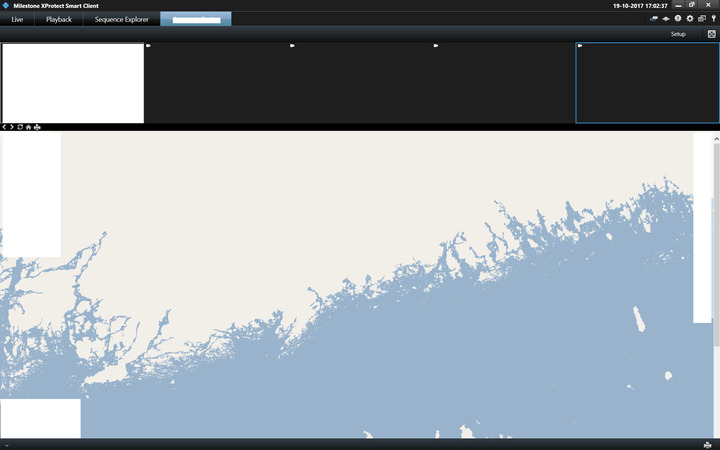
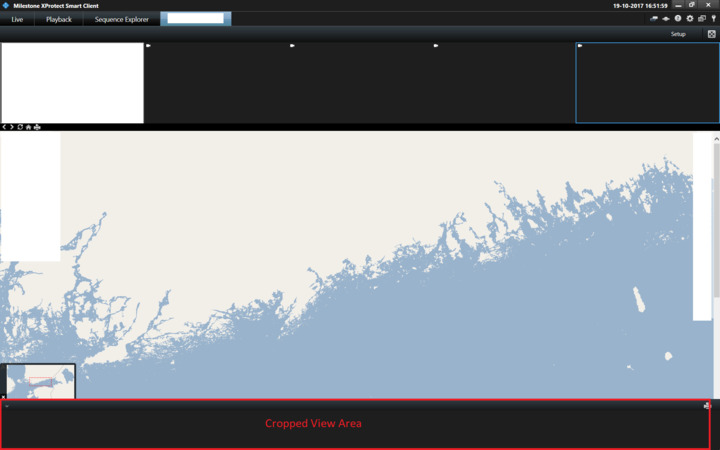
I have plugin view with playback, sequence explorer and live views. Plugin view, when loaded after login occupies the entire screen. But when I switch from Playback view to Plugin view the bottom of the view is cropped to the extent of the video timeline slider height. This gets corrected when I switch from Live view to Plugin view. My question is how to avoid this cropping when I switch from Playback view to Plugin view. Please help!
Thanks
Giridhar
Please help me with a screen capture so I am sure I understand..
Plugin view bottom is cropped to the height of the video timeline slider.
![]()
When you have your own workspace it is you that control if playback mode is used, so you can make sure you do not get the Playback time-line. When in playback mode the time-line must show, if it shows it takes up space.
I might not fully understand what you want to achieve.. Perhaps you can elaborate on what you do and what you need to happen..