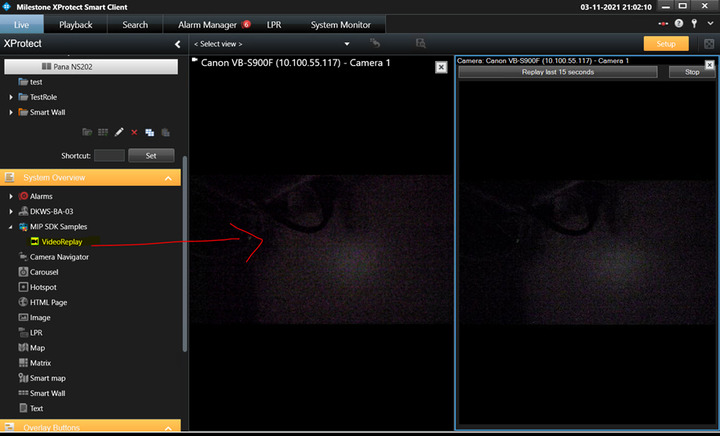
The MIP Plugin Samples (VideoReplay) build as x64 in VS 2019 but when copied into the MIPPlugins directory it is not loaded into Xprotect Smart Client 2021 R1 (x64), it does not show up in the about screen nor in the MIP log file…If I use the VS 2019 MIP Plugin Template to create a project that will build and load, but it states that the GUID has not been changed, yet still it shows up in the Client GUI…
EDIT: 11/3/21 Per the documentation, I have confirmed that I can create a plugin, create a directory in the ./MIPPlugins location, copy the .dll and plugin.def files, run XProtect Smart Client, and successfully check the Help-About dialog to see if it was loaded…
Now I am using the VideoReplay sample in this case, and its readme file states that to setup, create a view (which I have done) then add one camera (which I have done) and the plugin sample (which I do not see how to do)…
I cannot see any other indication of the presence of the VideoReplay plugin (not in the sidebar where you could drag it into a view)…
Any guidance would be appreciated…