Hello
In our integrated project we are using the ImageViewerControl object inside the “panel”
We are using the PTZ control of camera.
In our case we have two types of cameras: “Axis Q7401” and “Bosch Auto dome 300 VG4”
In then Milestone Client program both cameras are working properly, but in our software the PTZ control of Bosch cameras doesn’t works properly: LEFT, RIGHT, TOP.. doesn’t works , only ZoomIN and ZoomOut works.
With camera “Axis Q7401” we haven’t the above problem .
Additional details: Professional , firmware=5.73.0046
Please assist to solve this issue.
Regards,
Roni K.
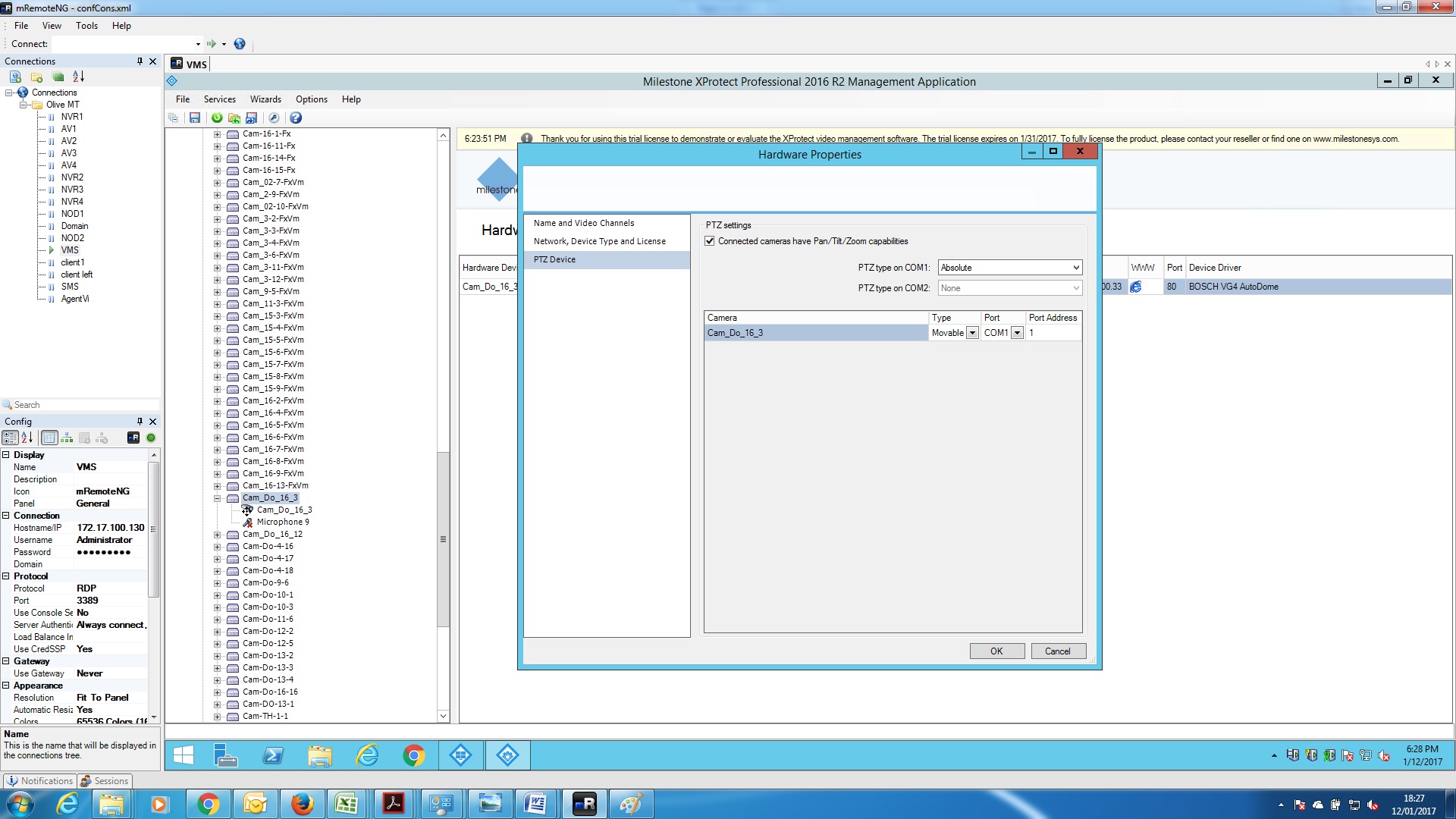
I believe this camera model has some options when it comes to setup of the PTZ. In the Management Application right-click on the device and go into Properties. In the Hardware Properties there is a PTZ tab, in the PTZ settings the “Connected cameras have Pan/Tilt/Zoom capabilities” is set. The “PTZ type on com1” might have more than one option, see if changing this makes a difference. (I did not have camera to test with and verify this, if the dialogs does not look like I describe please forgive me, and please describe what you see instead..)
I would like you to test with the PTZandPresets sample, I wonder if the continues move PTZ commands works better than the step wise PTZ commands, Let me know what you observe.
Hello Bo,
I have tested the “Bosch Auto dome 300 VG4” via PTZandPresets sample and found, that the PTZ Control doesn’t move with mouse also(in CLIENT it works), but it moves when you click on arrow buttons.
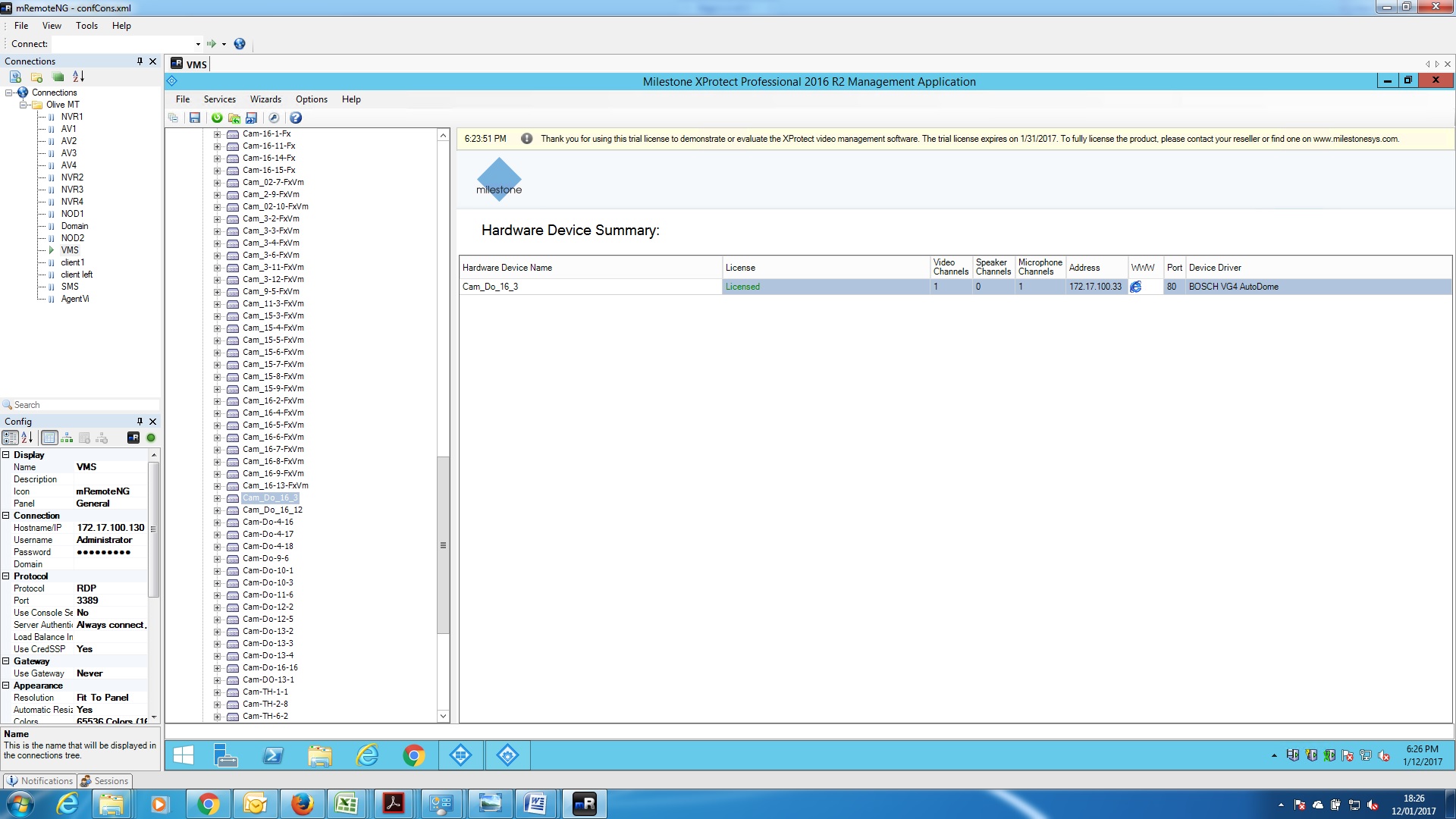
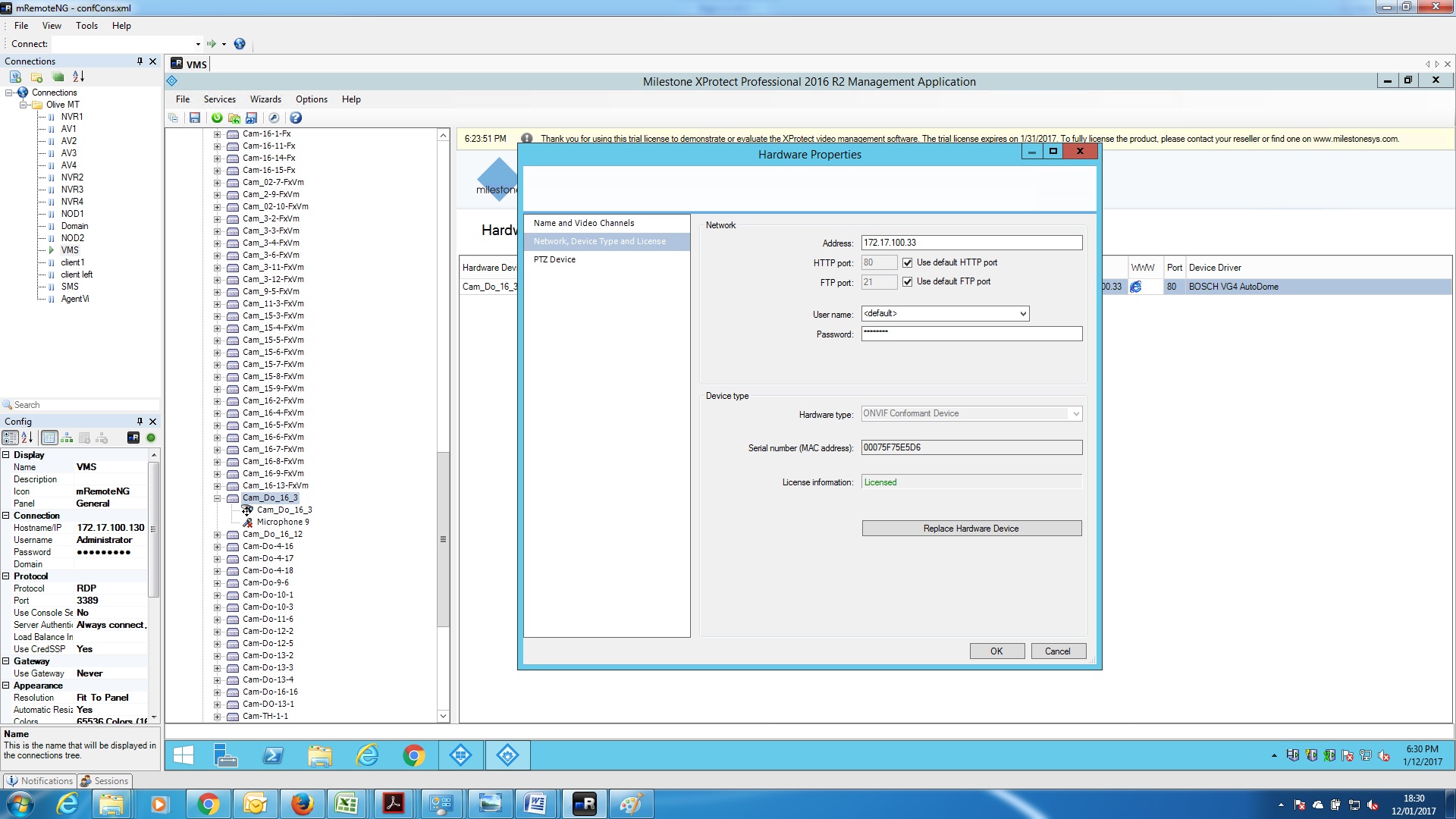
I attached the screanshots of camera definition.
Please advise
So I guess you tried with both PTZ typ on com 1 set to Absolute and Relative and found no difference. Please confirm.
Sorry I am in doubt i understand it correctly, you say it moves when you use the buttons, what does not work? (That sample uses so many methods, tries to show it all..)