Hi!
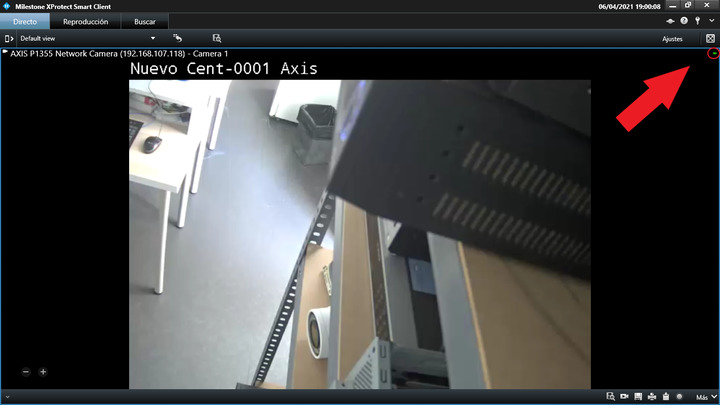
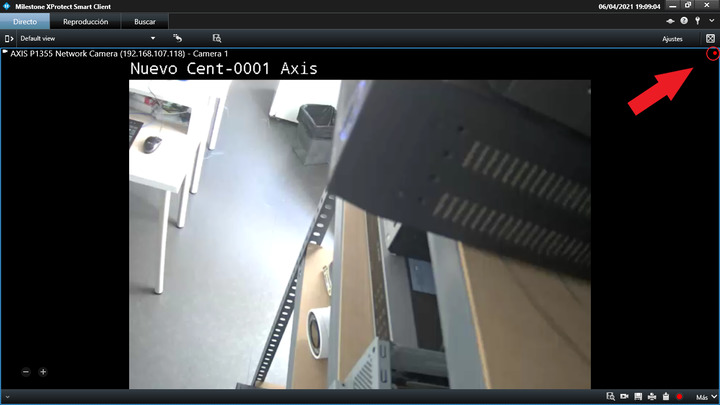
I would like to know if you can see the recording video or Live symbol with SDK. I’m using Milestone MIP SDK 2020 R2. I attach 2 pictures:
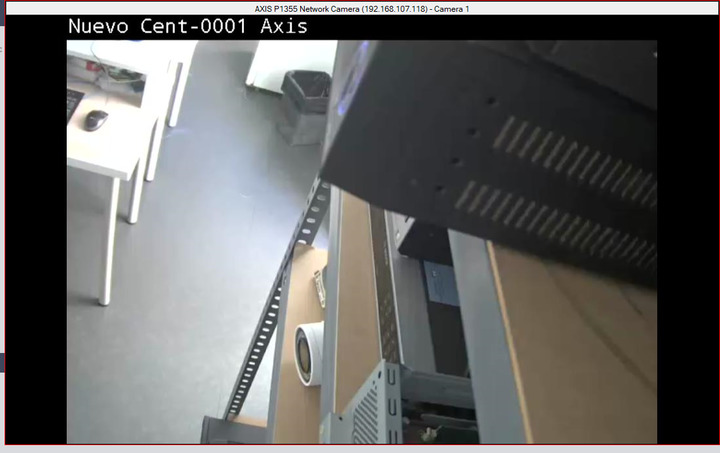
When I see the veawer in my application, I only can see the next picture:
Could you help me?
Thanks!
BR,
David.
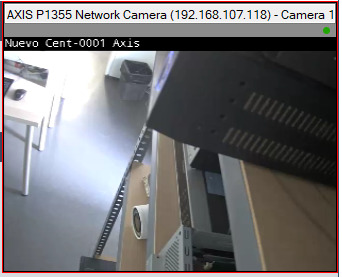
Thank you very much! I could see Live Indicator, but I can’t change the color. I’ve tried to use BackColor property of _imageViewerControl1, but it doesn’t work. Could you help me? I would like to see the header in black color.
Could you help me?
Thanks!
BR,
David.
I am surprised. I do not know how to make this header anything but black! Running the samples the header have always been black.
I have a strong suspicion that you have applied some setting or a style to your implementation to make it grey instead of black.
I wanted to give you a fast answer and have not experimented. Hopefully this can act as a hint for you..
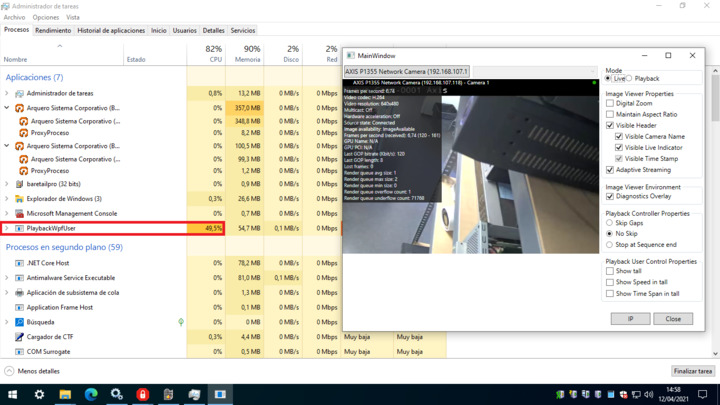
I was able to change the header color, but I have a new problem. The application consumes a lot, how can I low it? My client can have 36 cameras at the same time.
Thanks!
BR,
David.
Please make a new thread when you have a new question not related to the question the thread is about.
A client based on the MIP SDK (ImageViewerWpfControl) will roughly use as many resources as will the Smart Client. It is optimized for performance but should not use more resources than necessary. I suggest you consider using a client workstation capable of using hardware acceleration.
https://developer.milestonesys.com/s/article/hardware-acceleration-in-Smart-Client-2018-R1-and-newer