Hy,
I’m writing an html page in my smart client and i want show a specified view in the secondary display ?
I use this command :
But it doesn’t work, can you help me ? Do you know how can i get the windows id ?
Hy,
I’m writing an html page in my smart client and i want show a specified view in the secondary display ?
I use this command :
But it doesn’t work, can you help me ? Do you know how can i get the windows id ?
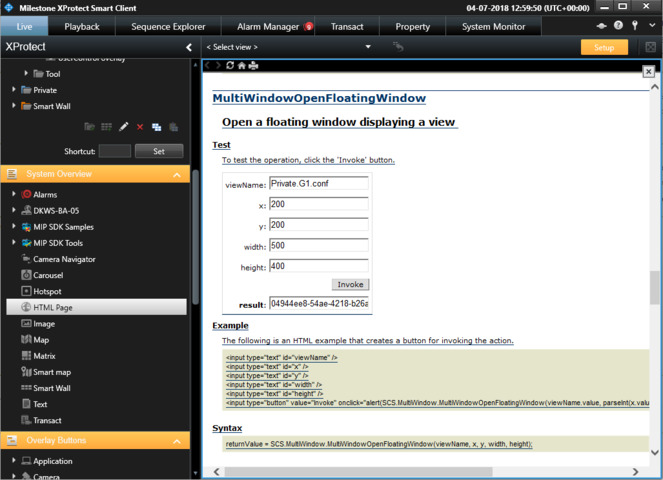
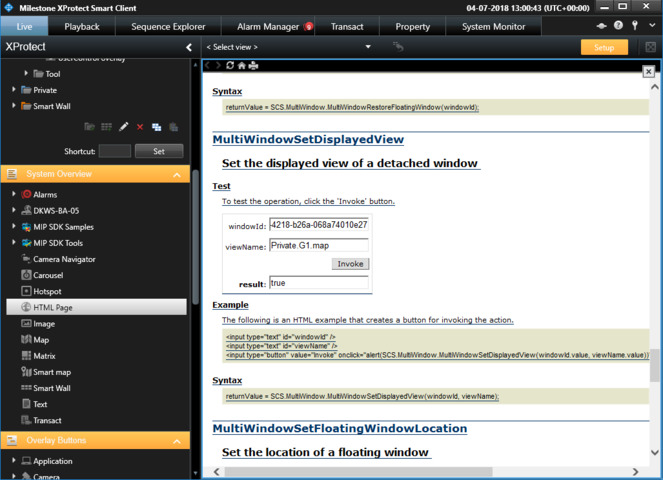
If you create the view you will have the “result”
and then you can use it
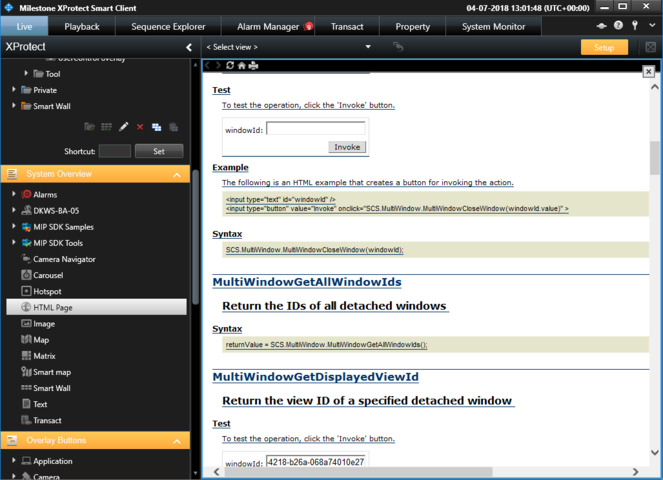
If not maybe you can use
PS. The screen captures are from a view with a HTML page where I have entered in the URL field “about:script”.
Hy,
Even if it is not what i expected, it works ! thanks !
Can you tell me how can i display theses views on a smart wall window, please ?
You cannot use scripting to send cameras to Smart Walls.
You could implement a rule that trigger on event and then does something on the Smart Wall. Your scripting would then be able to trigger that event.
Alternatively, using the MIP SDK you could develop a Smart Client plugin (or standalone application) that could control Smart Wall. This is the better option but requires development work using the MIP SDK. See - http://doc.developer.milestonesys.com/html/index.html?base=samples/videowallcontroller_sample.html&tree=tree_2.html