Thanks for your answer, Rie
My need was that I have to send a specific camera to a specific ViewAndLayoutItem in a specific Window.
I found out that:
EnvironmentManager.Instance.SendMessage(new Message(MessageId.SmartClient.SetCameraInViewCommand, new SetCameraInViewCommandData()
        **{**

        **Index = ix,**
CameraFQID = _selectedCamera.FQID,
StreamId = streamId
**}));**
is always sending the camera to the ViewAndLayoyutItem on the main window, while:
Dictionary<string, string> properties = new Dictionary<string, string>();
properties.Add(“CameraId”, _selectedCamera.FQID.ObjectId.ToString());
properties.Add(“StreamId”, streamId.ToString());
_currentView.InsertBuiltinViewItem(ix, ViewAndLayoutItem.CameraBuiltinId, properties);
// _currentView.Save();
is correctly sending the camera on my specific ViewAndLayoutItem in a specific Window. And that’s ok.
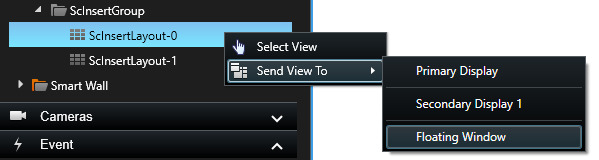
As you said, if I have two windows (main and float for instance) with the same view, then both windows will change the camera regardless of the selected window.
On the design choice to not being able to use same view for multiple windows, I believe that the use case to have that changed is that an operator might want to have one view on a videowall and the same view on a local monitor, while being able to temporarily change the cameras being displayed on either monitors. Useful for control rooms.