Hello, I am develop a driver by MIP driver framework. I was wonder, should I expect a change in the Hardware settings tab when I call UpdateSettings?
When I call it, I see the “OnSettingsChanged” event is raised and the value for the specified Hardware (or Device) setting is changed in the code, but not on the settings tab of Management client (the UI is not updated with the new value).
Maybe it generally works that way. I just want to know is that the way it works or I missing something?
Actually, I didn’t mention in the question that I`ve tried to refresh, but nothing changes.
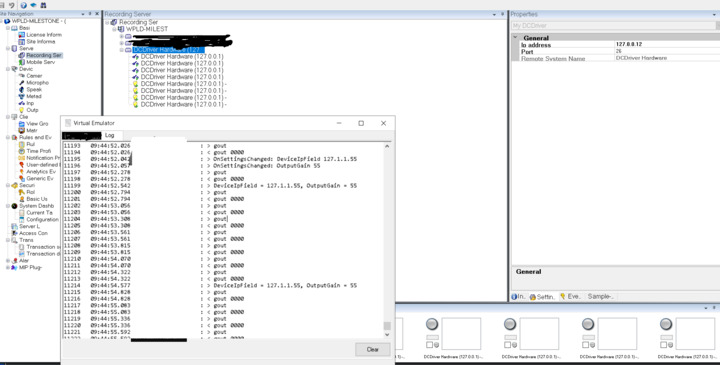
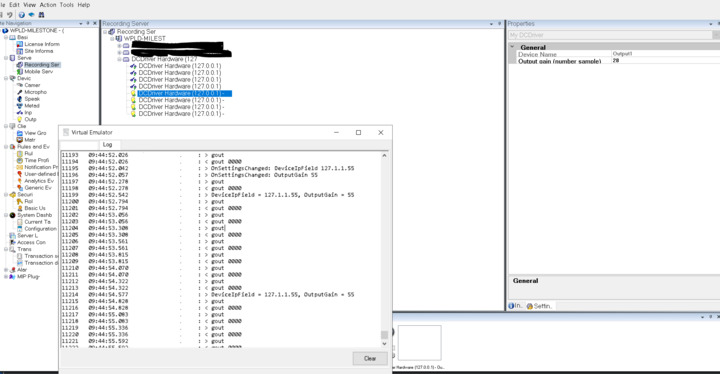
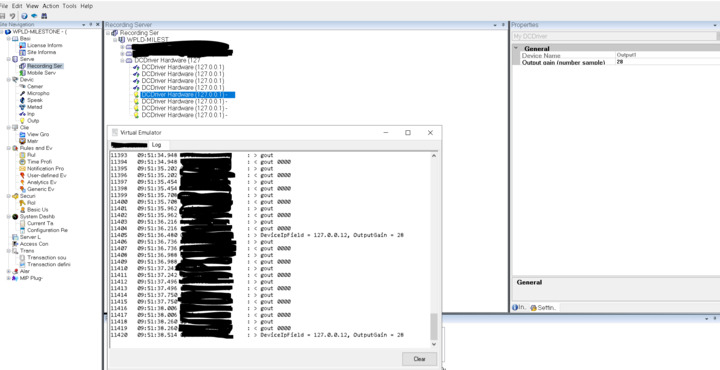
Attached are couple of captures from my log, I am using one Hardware setting and one Device setting (these are dummy settings, so ignore names ).
You can see OnSettinsChanged is raised and the new values are valid, but UI doesn’t change even if I do refresh (see CaptureHardwareUpdateSettings.png, CaptureDeviceUpdSettings.png).
If I restart my device (emulator in this case), the connection is restarted and the old values became valid (see CaptureAfterReconnect).
Maybe I missed something, but I have no idea what, below is the way I am changing the settings:
When you call the UpdateSettings method from the driver, you’re actually only changing the settings locally in the driver process, not in the XProtect system. This also means that they will be overwritten the next time the driver updates settings from the recording server, which it does periodically. I was actually a bit surprised to see you doing it this way, but I realise that this capability might be confusing. What exactly is your reason for wanting to change the settings from the driver?
If you absolutely need to change hardware or device settings, the only way I know of to do that is through the ConfigurationAPI.
 ).
).