HI everyone,
I’m new with the Milestone Product and I’m doing some e-learning to discover and learn more about it.
In order to apply what I learned,
I would like to know how Xprotect VMS interact and works with the other tools like
Xprotect VMS Management Client and Xprotect Smart Client.
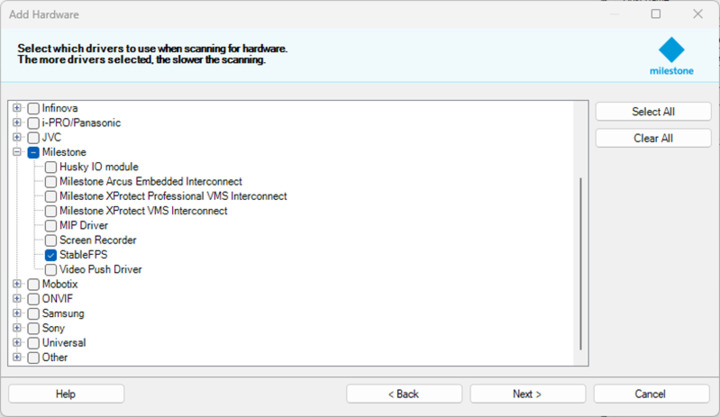
I wanted to created a virtual network and I found that StableFPS can provide a kind of simulation IP camera that could help me to practice my learning module more effectively.
I tried to install it with the Essential + Free software and with all the packages, MIP SDK,ect… and and with the “InstallStableFPS.bat”. on the X86 Progamfiles with the Recording Server off during the installation but unfortunately it still doesn’t work.
The StableFps Localhost pane didn’t appear.
Can anyone had successfully install it and give me some tips if yes, I would really appreciate 
Kind Regards,