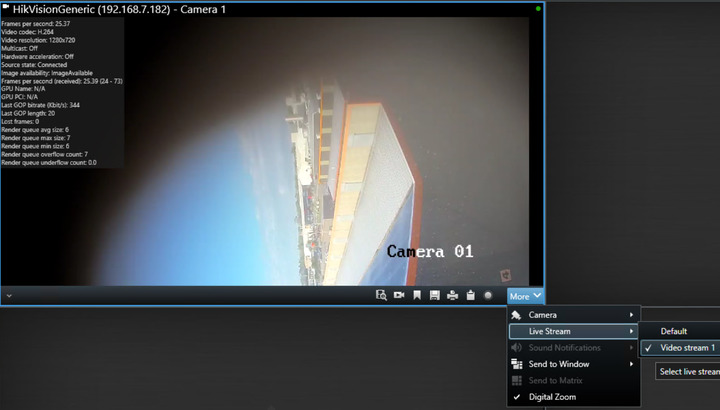
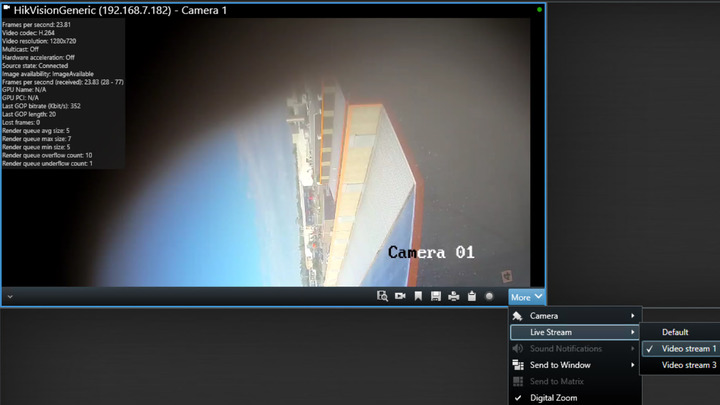
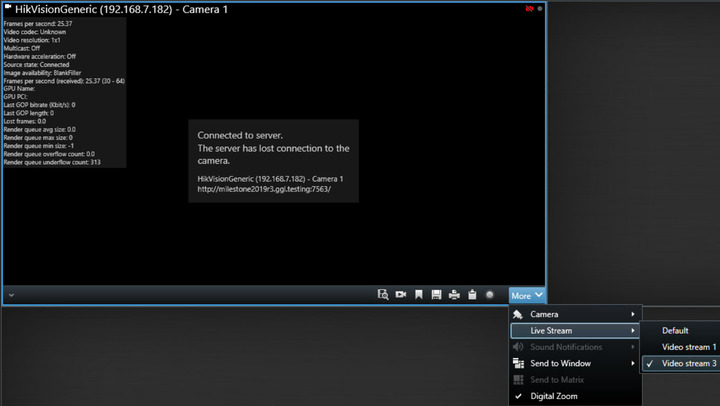
Are you certain that the additional streams are actually coming through to the Recording Server? It’s possible the primary stream is setup for TCP or HTTP streaming but the other streams are still on UDP and being blocked by Windows Firewall, so the “server has lost connection to the camera” is a legitimate error that would more accurately be written as “the server is not receiving the stream”.
My other camera has a triple-stream setup (S1 default+recording; S2&S3 when needed). Stream switching worked there just fine. Both of the cameras have exactly the same setup (StreamMethod:RTP/RTSP/TCP).
With this camera in question from your post I realized if I make the second stream as the source of recording it may just work, and it did! At least for now I have a workaround to make my second stream work.
Still this means any third stream does not work (even on LiveMode:‘always’ settings) as I can’t make it a source for default/recording.
As you said that you have experienced same issue in Smart Client and we are suspecting that it is a general issue. Can you please ask again in the support community, you should get better help from the partners using the support community.