var camera = new VideoOS.Platform.ConfigurationItems.Camera(cameraFqid);
var hardware = new Hardware(camera.ServerId, camera.ParentItemPath);
var driverSettings = hardware.HardwareDriverSettingsFolder.HardwareDriverSettings.FirstOrDefault();
Your code works for me in testing.
When debugging, try single-stepping: Where do you get the error, in which of the listed lines? If you look at the camera or hardware object (if not in error), is there anything special?
Does it work for other cameras where one camera fails, or does it fail for any camera you test?
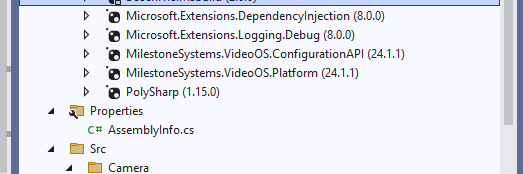
What version is the XProtect VMS? What version is the MIP SDK you are using (NuGet)?
I have multiple recording servers and 100 of devices for each recording server and theoretically hardware/ folder should be accessible from recording Server where i have onboarded the cameras , in this case EnvironmentManager.Instance.MasterSite or camera.ServerId correct?