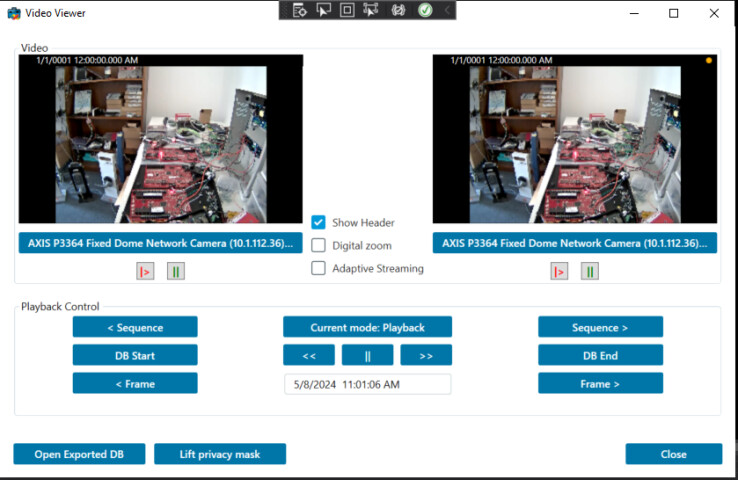
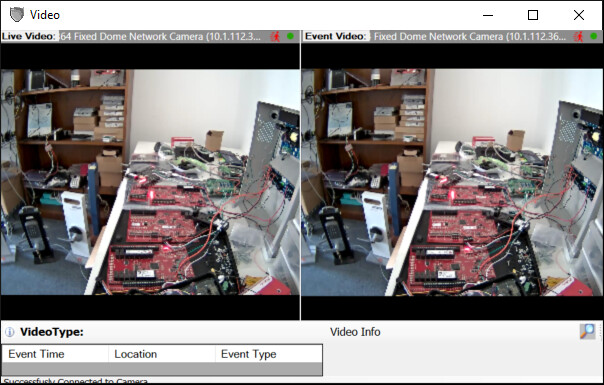
I am making similar player with video side by side (same camera, two different mode: live and playback)
In videoviewer I saw the following line changes the mode
EnvironmentManager.Instance.Mode = Mode.ClientPlayback;
EnvironmentManager.Instance.Mode = Mode.ClientLive;
each video is an instance of ImageViewerWpfControl/ImageViewerControl itself,
So, is there a way to be specific on which video I can have playback or live mode, instead of both being changed together (since the above code snippet does not seem to be spicific on which object’s mode is being changed)
Please explore the Video Viewer - Individual Playback instead, this sample demonstartes how it is possible to have multiple PlaybackController which makes it possible to have live and playback but also multiple times across multiple ImageViewerWpfControl.
The sample has one viewer in “default” PlaybackController and one in an extra.
https://doc.developer.milestonesys.com/html/index.html?base=samples/componentsamples/videoviewer2playback/readme.html&tree=tree_2.htmlhttps://doc.developer.milestonesys.com/html/index.html?base=samples/componentsamples/videoviewer2playback/readme.html&tree=tree_2.html