Hi
I’m using XProtect Go with a number of no-name but Onvif compatible cameras. So far of the 3 cameras I have, the first 2 were discovered OK by the Add Hardware wizard - no issue. However, the third one couldn’t be detected automatically. No issue - I figured out the RTSP stream URL and added that directly using the Universal Driver. The stream shows perfectly in the management and client applications.
However, I notice that for each of the first 2 cameras there seem to be 2 streams that are displayed at various times - One is a small resolution ‘thumbail’ used when you, for instance, use the iphone app to display all the cameras in a group. The second is the full resolution video stream displayed when you select to view the camera. For the third camera I have used VLC to independently display each of the RTSP video streams that are available from the camera but I cannot see how to configure the thumbnail stream into Go.
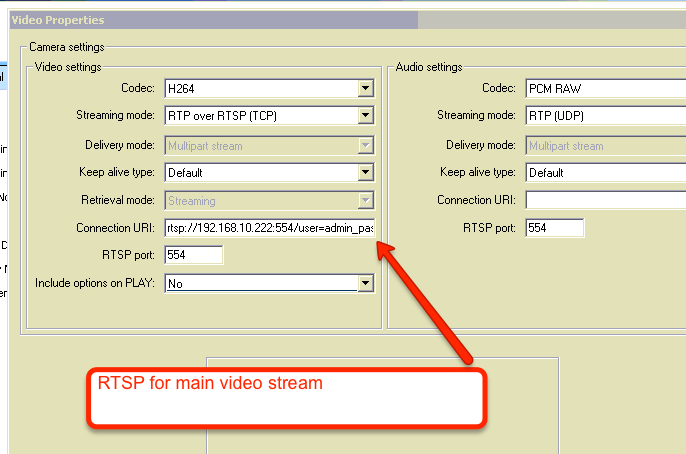
Is is possible to manually configure the 2 streams for the same camera as desribed and available for automatically detected Onvif cameras?
Thanks!
Kris.