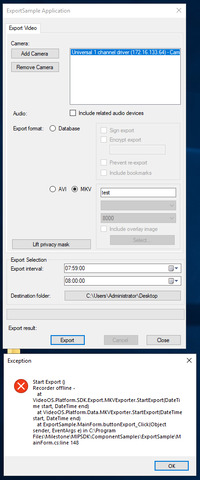
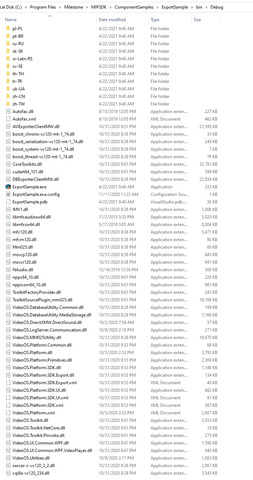
If you do not include the right set of dependent files, the result will be that your application will fail. Can you verify that you copied all dependent dlls from the Bin folder?
I can run sample application in windows 10 and server 2012. But it didn’t run server 2019. I’m starting builded application in all environments. I didn’t copy any file to sample project folder.
Can you please check if you in the three scenarios are testing with the same camera in the same XProtect VMS, using the same user and exporting the same period? Are there any differences between them?
If installing Smart Client in this Windows Server 2019 server. Can the Smart Client connect to the same XProtect VMS host and can it export or do you see the same error?
The client OS is Windows Server 2019 where it fails, what is the common host you have used for the three scenarios? (Windows OS and XProtect product and version?)