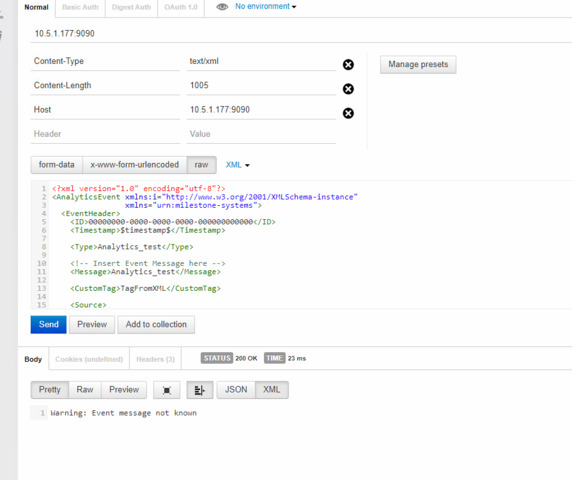
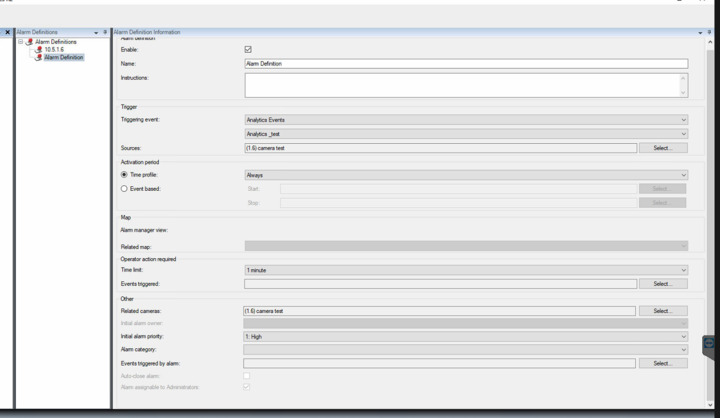
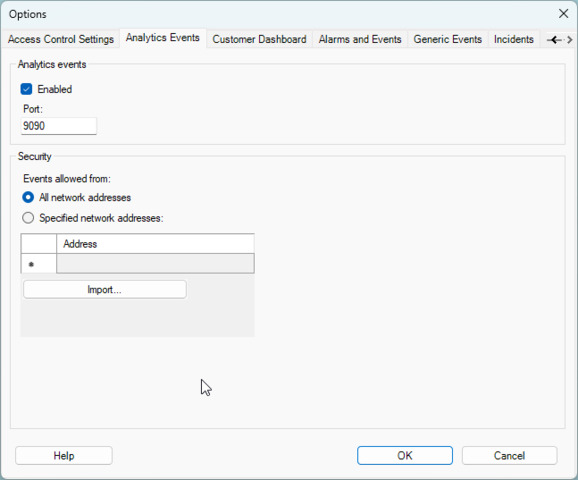
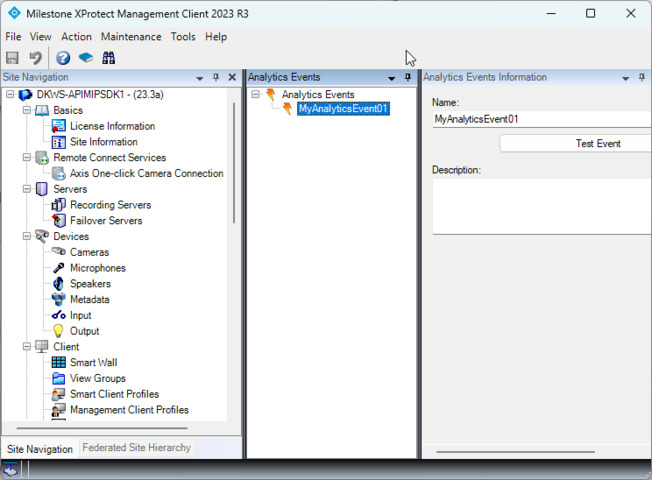
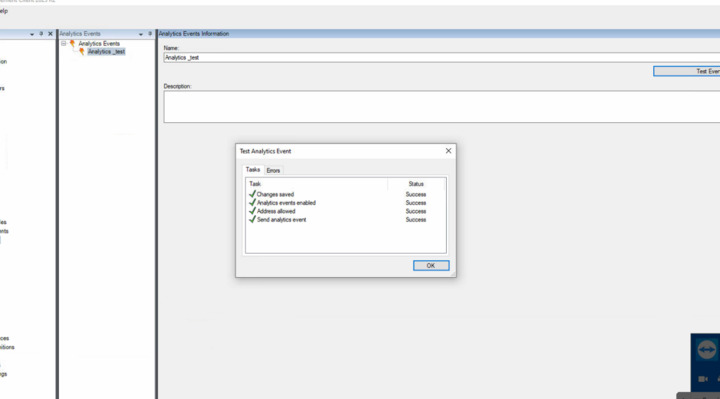
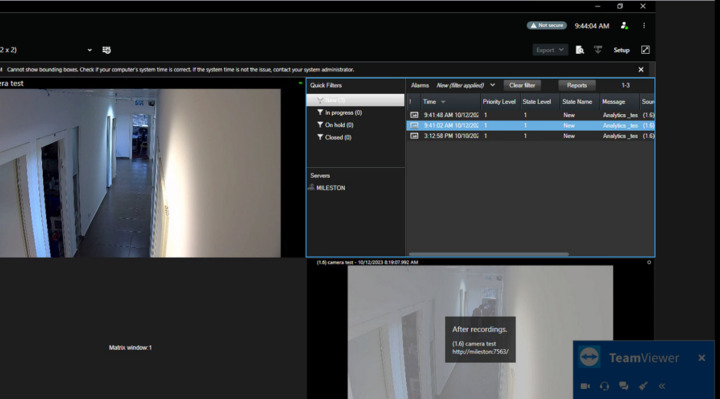
I’m experiencing an issue with an analytics event being sent to a VMS, I’m receiving the following error message. Can you plese assist me with this problem?
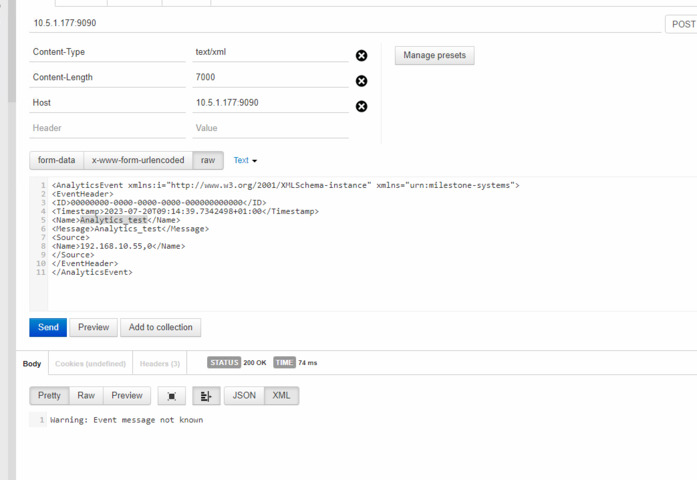
If it is working, then what is going on with the postman? I use xml from c sharp code from your repository with Type and Message changed to custom ones.
Once Postman is working, we have to write the custom python script based on that.
Finally, I need to port this to python3, that’s all.
I will start testing the c# code, I believe it is the XML structure that makes the issue.
<?xml version="1.0" encoding="utf-8"?>
<AnalyticsEvent xmlns:i="http://www.w3.org/2001/XMLSchema-instance"
                xmlns="urn:milestone-systems">
  <EventHeader>
    <ID>00000000-0000-0000-0000-000000000000</ID>
    <Timestamp>$timestamp$</Timestamp>

    <Type>Analytics_test</Type>

    <!-- Insert Event Message here -->
    <Message>Analytics_test</Message>

    <CustomTag>TagFromXML</CustomTag>

    <Source>

      <!-- Insert camera URI here, if you don't have the GUID. -->
      <!-- (For multichannel devices, URI may contain channel number after ',') -->
      <Name>192.168.0.199</Name>

<!--      <FQID>  -->
<!-- Insert camera GUID here, if you have it -->
<!--<ObjectId>068680AB-5350-4AC7-A47E-652300B16252</ObjectId>-->
<!--      </FQID> -->

    </Source>
  </EventHeader>

  <Description>
    Analytics event description.
  </Description>

  <Location>
    Event location 1
  </Location>

  <Vendor>
    <Name>My Smart Video</Name>
  </Vendor>

</AnalyticsEvent>
We are using this xml as of now, Please help us to figure out the issue.
The sample replaces $timestamp$ with a real date, a datetime formatted string replacement before sending the XML. I now strongly suspect that this is what you are missing..
Thank you @Bo Ellegård Andersen (Milestone Systems), that was an issue, The message was successfully delivered.
Now, for a different issue, We are generating events from a different analytics engine, that doesn’t have source info. without the need for specifying the source