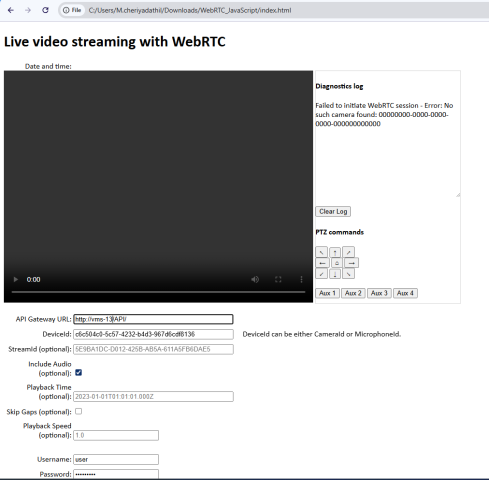
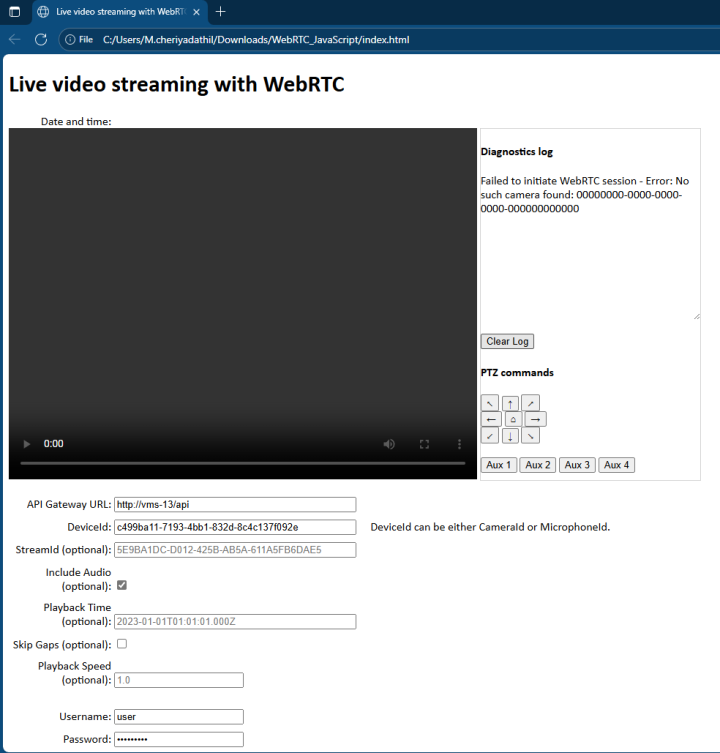
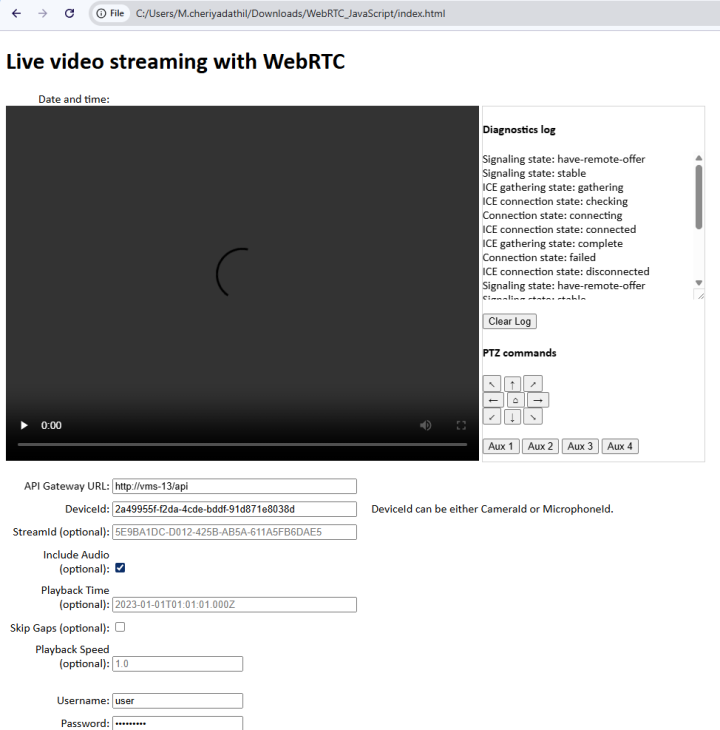
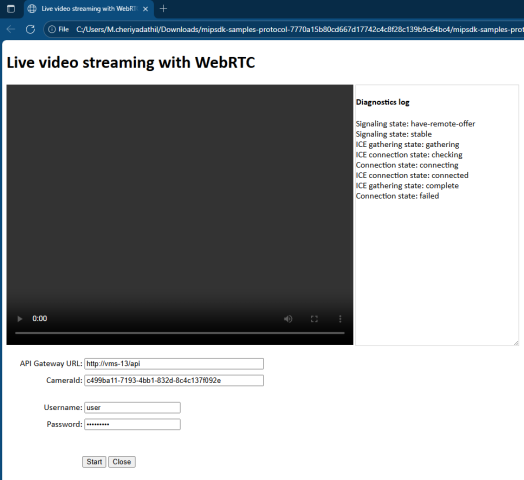
I am trying to use the WebRTC JavaScript Client demo to connect to camera stream through the Milestone API Gateway.
When I provide the API Gateway URL, DeviceId, and credentials, the demo fails to connect and displays the following errors depending on the version of XProtect:
On Milestone XProtect 2023 R1:
“Failed to initiate WebRTC session - Error: No such camera found: 00000000-0000-0000-0000-000000000000”
On Milestone XProtect 2024 R1:
“Failed to initiate WebRTC session - Error: CameraId is invalid Guid”
However, when I test the same setup on Milestone XProtect 2025 R2, the WebRTC session starts successfully and the stream plays as expected.
Steps I followed to confirm the CameraId:
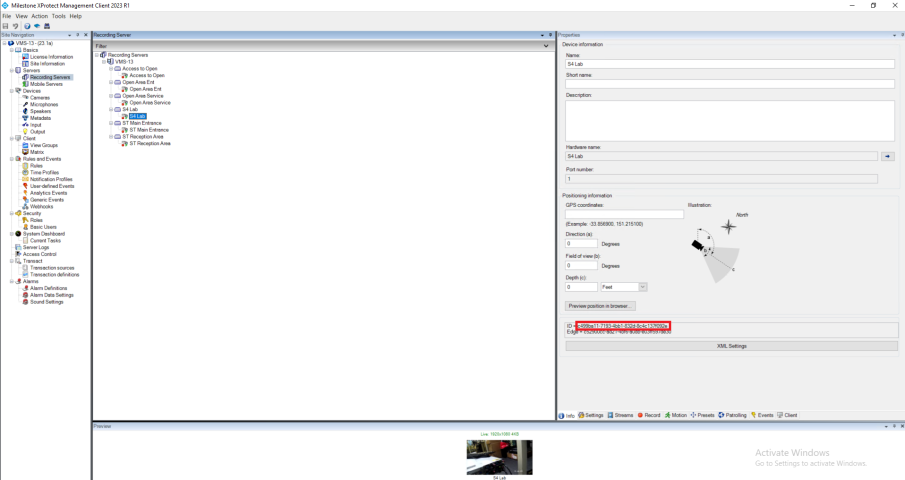
I verified that the camera GUID is correct by following the steps mentioned in the WebRTC JavaScript Client demo’s README:
In the Site Navigation pane, select Servers and then select the recording server.
Select a camera that supports H.264 in the Overview pane.
Open the Info tab in the Properties pane.
Ctrl+Click the video image in the Preview pane.
The Camera ID is displayed at the bottom of the Properties pane.
I confirmed that the DeviceId (CameraId) I used in the demo matches the one shown in the Management Client.
Also I have tested with multiple cameras, and same issue occurs in XProtect 2023 R1 and 2024 R1. The CORS configuration is already added and enabled in the API Gateway configuration file. (appsettings.Production.json). Also, I am using REST API signaling for WebRTC (not WebSocket signaling).
Kindly advise if there are any additional configuration steps required in XProtect 2023 R1 or 2024 R1 for the WebRTC JavaScript Client to correctly resolve the CameraId through the API Gateway.
Are you setting DeviceId in your request, rather than CameraId? That isn’t supported in the two versions you are is having trouble with, in those versions you should use CameraId instead. It is very important which one you set in your request.
Note: CameraId will still work in the latest versions, it simply won’t allow you to receive associated audio.
I used the Camera ID (highlighted in the red box on the right side of previously attached screenshot). However, I’m encountering the following issues when testing with the WebRTC JavaScript Client demo:
On Milestone XProtect 2023 R1:
“Failed to initiate WebRTC session - Error: No such camera found: 00000000-0000-0000-0000-000000000000”
On Milestone XProtect 2024 R1:
“Failed to initiate WebRTC session - Error: CameraId is invalid Guid”
In contrast, when testing the same setup on Milestone XProtect 2025 R2, the WebRTC session starts successfully and the stream plays as expected.
Could you please advise on how to resolve this issue?
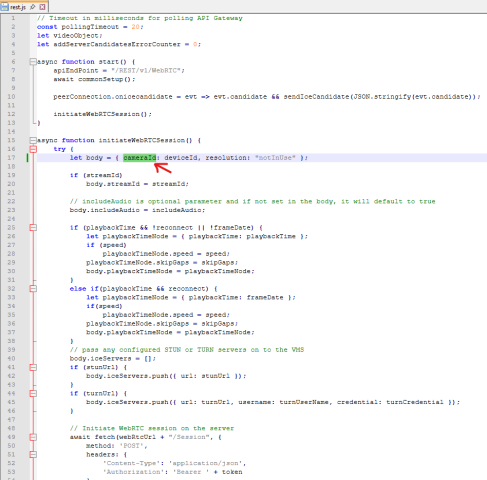
I’ve updated the parameter name from deviceId to cameraId in the initiateWebRTCSession function within the rest.js file. Please see the attached screenshot showing the change I made.
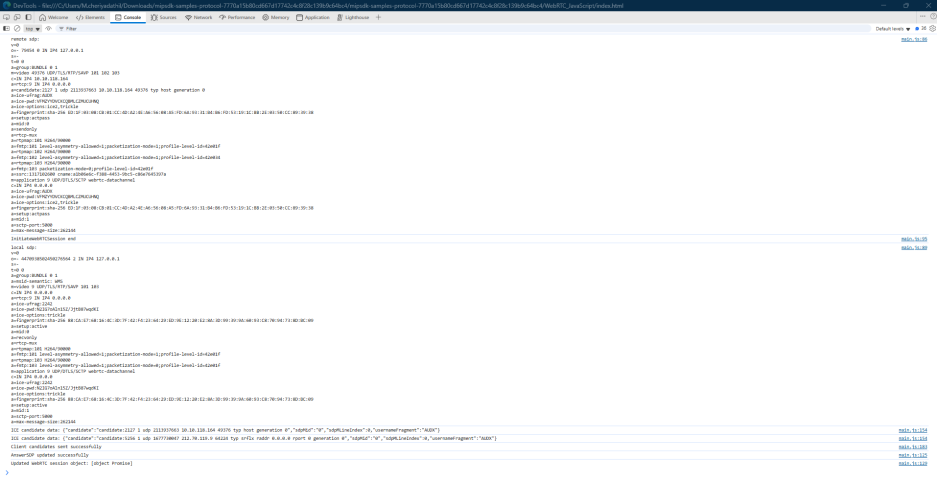
After this update, the issue with the camera GUID has been resolved. However, the WebRTC stream is still failing to start. I have attached the screenshot for reference.
Could you please advise on the next steps to make WebRTC stream work with Milestone XProtect 2023 R1?
We have an idea that the cause might be deducted from the logging, please look into the XProtect API Gateway log. (“[C:\ProgramData\Milestone\XProtect](file:C:/ProgramData/Milestone/XProtect) API Gateway\Logs\gateway.log”)
If you don’t see anything directly leading you to a solution please let us see the log.
I checked the XProtect API Gateway log ([C:\ProgramData\Milestone\XProtect](file:C:/ProgramData/Milestone/XProtect) API Gateway\Logs\gateway.log) and found recurring warnings and errors related to CloseVideo and missing sessions.
Please find attached snapshot of the gateway.log
Below are the relevant entries:
2025-10-22 14:41:31.929+03:00 [ 283] WARN - CloseVideo - LivesourceState was in state: Initialized, can only perform CloseVideo while in Running or UpdateToken
Could you please help us move forward with this issue?
If the WebRTC JavaScript Client demo is not functioning correctly with older versions like XProtect 2023 R1 or XProtect 2024 R2, could you please advise what is the minimum stable version of XProtect where the WebRTC JavaScript Client demo is confirmed to work as expected.
This information will help us determine the correct installation and testing environment.
There is no fix for XProtect 2023 R1 concerning this issue. You can only use 2023R3 with a patch or newer versions. There is no patch for versions older than XProtect 2023 R3**.** It can work in Mozilla Firefox as the issue is in Chromium-based browsers.